Blog Banner Image

Hubspot

10 Signs Your HubSpot Portal Needs a Health Check

10 Signs Your HubSpot Portal Needs a Health Check

Gaurav SaxenaGaurav Saxena

Nobody plans a bad week for their HubSpot portal. It just shows up. A rep can’t find the right contact because there are three of them. A report that looked fine last quarter now shows a number nobody can explain. A workflow sends the same email twice, and a customer writes back to ask why. These start as small annoyances, and people work around them. That’s the trouble. Workarounds hide the real problem, so the portal gets a little worse every month until someone has to rebuild half of it. A health check stops that slide. Whether you do it by hand or with a HubSpot CRM audit app, the idea is the same: look at the portal properly, find what’s broken, and fix the worst things first. This post covers ten signs that it’s time, what happens if you wait, and how 360 Audit Hub can flag these problems earlier. If you’d rather start with the manual process, our guide on <span style="background-co

Read More
Simplify Quote-to-Cash Operations in HubSpot

Simplify Quote-to-Cash Operations in HubSpot

Gaurav SaxenaGaurav Saxena

Closing a deal feels like the finish line. For finance, it’s where the work starts. A quote has to be built, sent, signed, and turned into an invoice, and then someone has to chase the payment. That whole run is called Quote to Cash, and in many HubSpot accounts it’s held together by habit. Reps build quotes in one place, finance bills from another, and the CRM only knows about half of it. Nothing is broken, exactly. It’s just slow, and the slowness shows up as late invoices and awkward emails to customers. This guide explains what the Quote to Cash process looks like in HubSpot, where it usually gets stuck, how AutoQuote HubSpot users cut down the manual steps, and which metrics tell you whether things are improving. If you’d like a quick look at the product first, the AutoQuote page <span sty

Read More
CRM Migration Risk: What to De-Risk Before You Switch in 2026

CRM Migration Risk: What to De-Risk Before You Switch in 2026

Gaurav SaxenaGaurav Saxena

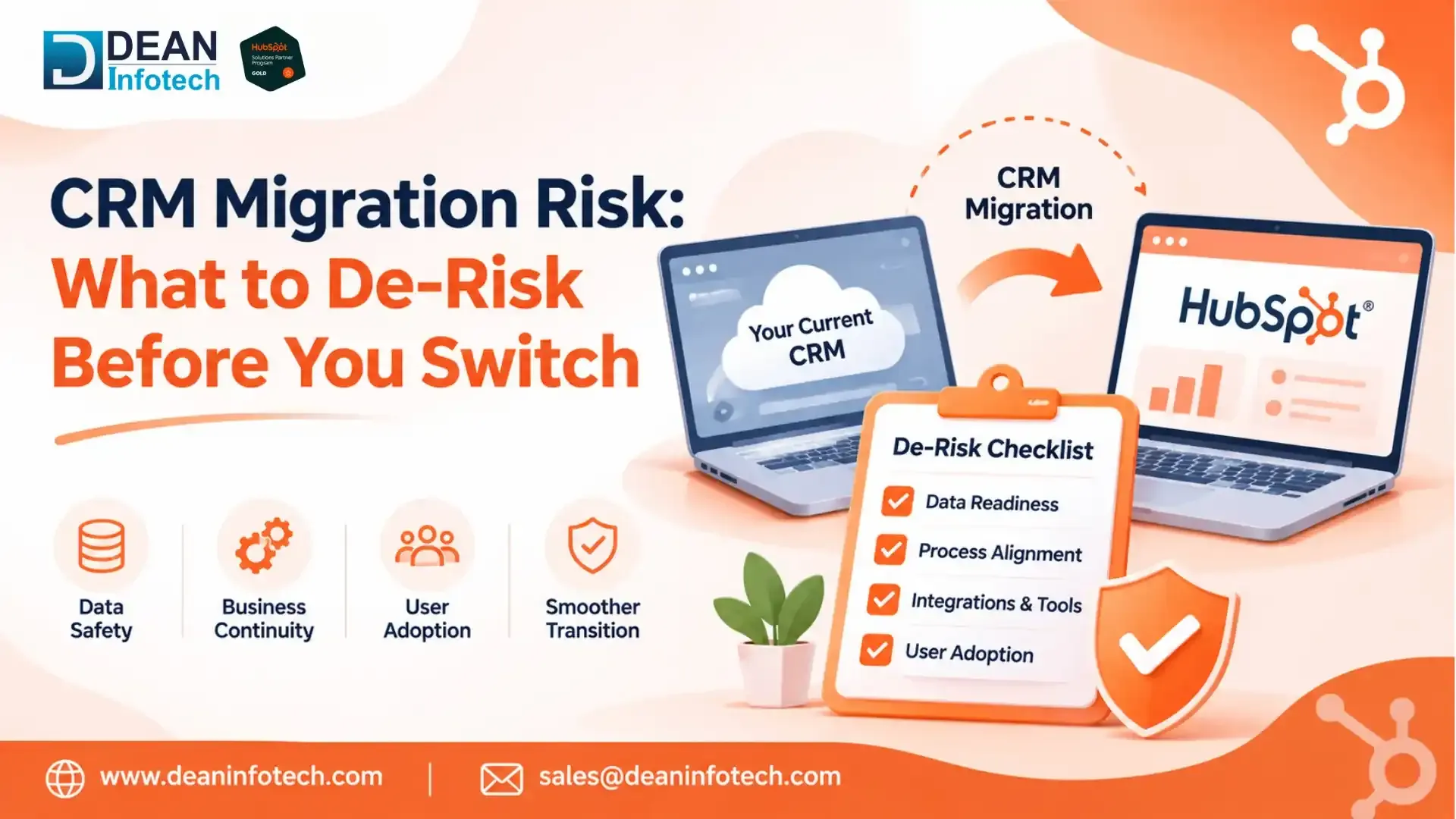
Most CRM migrations don't fall apart on cutover weekend. They fell apart months earlier, in a planning meeting where nobody asked who owns the lead routing rules, or whether anyone still uses that 2019 workflow with forty branches. A CRM switch touches nearly everything a revenue team does: lead handoffs, forecasting, campaign attribution, renewals, board reporting. When it goes well, you get cleaner data and a system people trust. When it doesn't, you get months of confusion, missing pipeline history, and a sales team quietly tracking deals in spreadsheets again. This guide covers the migration risks worth tackling before you switch, and what to do about each one. It draws on how these projects play out in practice for teams moving to HubSpot. If you're still shaping the bigger picture, our post on <span style="background-color:tra

Read More
How to Choose a CRM Strategy Consulting Partner: Buyer's Guide for Enterprises

How to Choose a CRM Strategy Consulting Partner: Buyer's Guide for Enterprises

Gaurav SaxenaGaurav Saxena

Picking a HubSpot CRM consulting partner looks easy on paper. You shortlist a few firms, sit through demos, and compare quotes. Then six months later you find out one of them built exactly what you asked for, and it still doesn’t work for your team. That’s the trap. Most failed CRM projects don’t fail because of bad configuration. They fail because nobody planned the process, the data, or how people would actually use the system. This guide covers what a HubSpot consulting partner should do, when to bring one in, and how to compare your options without getting sold to. What Does a CRM Consulting Partner Do? Short Answer : A CRM consulting partner designs how your CRM should work before anyone touches a setting. That means mapping your sales, marketing, and service processes, deciding how data is structured, setting ownership rules, and planning how teams will

Read More
HubSpot Custom Reports and Dashboards for Sales Leaders

HubSpot Custom Reports and Dashboards for Sales Leaders

Gaurav SaxenaGaurav Saxena

Sales leaders require accurate and credible data that will help them gauge whether their teams are on track to meeting their revenue goals. In this respect, while HubSpot offers various ready-made options for sales reporting, larger sales organizations might require more detailed information about the state of pipelines, sales processes, sales reps' efficiency, and forecasting. In such scenarios, it becomes useful to use custom HubSpot reports and dashboards. With the help of custom HubSpot dashboards, it is possible to put all of the required sales metrics in one place and analyze pipeline gaps, sales performance, and make evidence-based decisions. Moreover, HubSpot custom reports and dashboards are flexible enough to tailor to any specific needs of the organization in terms of its sales process, sales team, and particular business goal. What Are HubSpot Custom Reports and Dashboards? A <a href="https://www.deaninfotech.com/hubspot-consulting-servic

Read More
How Agencies Can Use Hubspot to Manage Multiple Clients

How Agencies Can Use Hubspot to Manage Multiple Clients

Gaurav SaxenaGaurav Saxena

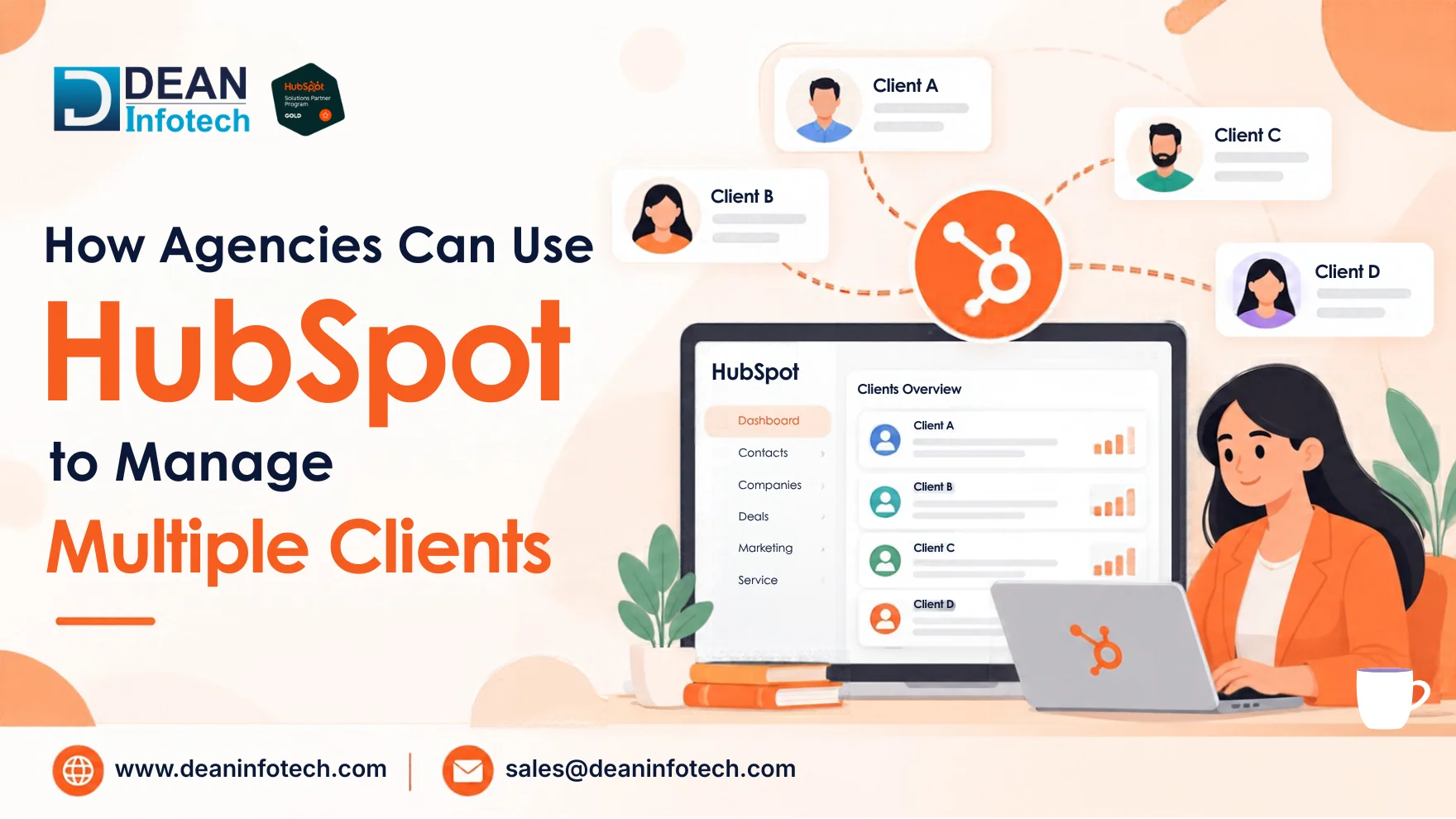
Agencies do two jobs at once. You deliver campaigns for clients, and you also run your own business: pitching, forecasting, renewing contracts, and keeping your team busy. When those jobs live in spreadsheets, inboxes, and disconnected tools, things slip. Usually it's reporting, or follow-up on your own pipeline. HubSpot for agencies can fix a lot of this, but only if the setup fits how you actually work. A cluttered account with 30 clients thrown together creates new problems instead of solving old ones. This guide explains how managing multiple clients in HubSpot works in practice, what a centralized CRM gives you, which automations save the most time, and where agencies usually get stuck. Can Hub

Read More
HubSpot Operations Hub Explained: Data Sync, Custom Code and Data Quality

HubSpot Operations Hub Explained: Data Sync, Custom Code and Data Quality

Gaurav SaxenaGaurav Saxena

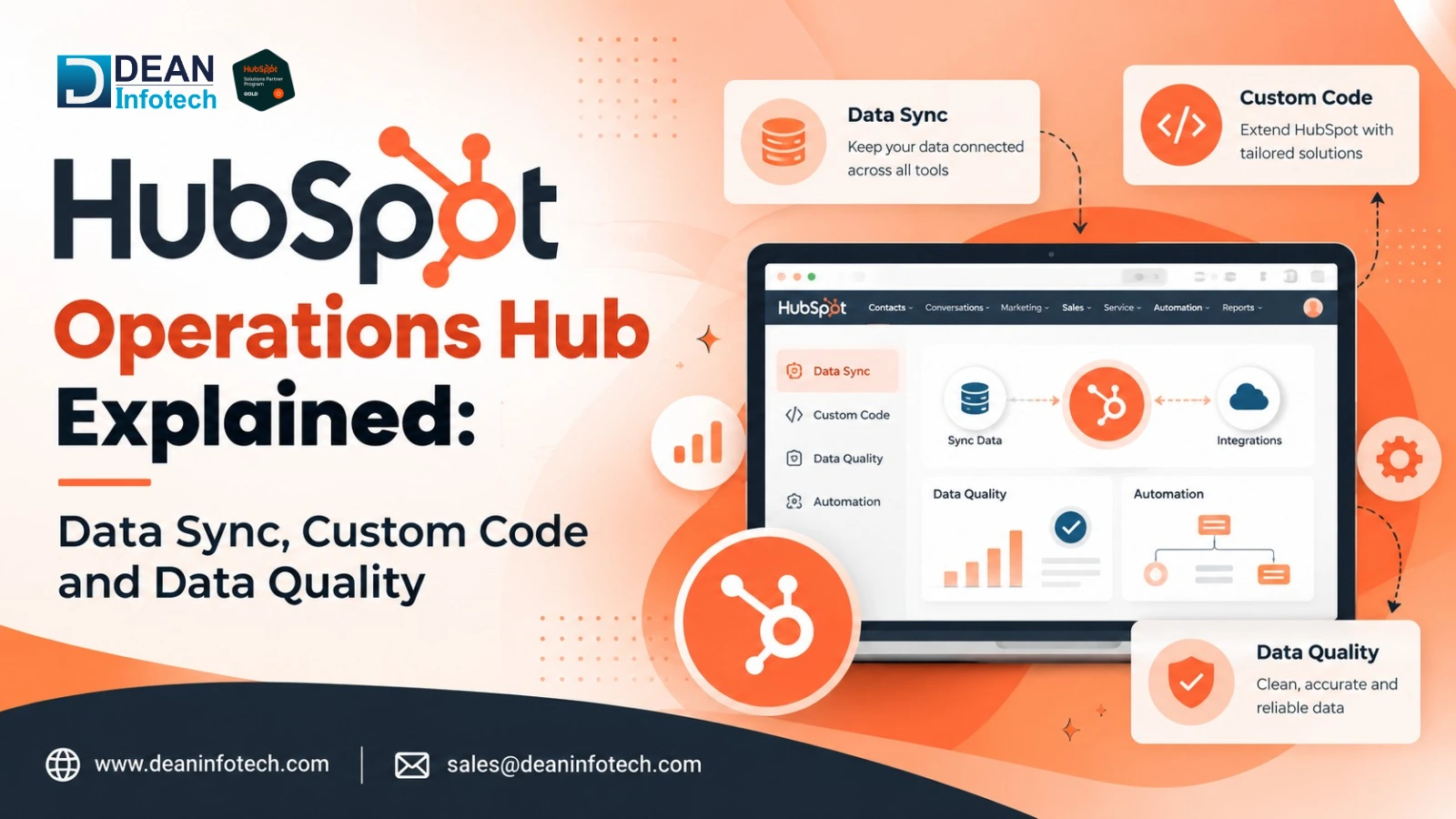
HubSpot Operations Hub consists of a suite of tools aimed at helping companies link, organize, automate, and manage their CRM data within the HubSpot and other business solutions. The toolset is especially relevant for those enterprises that utilize various applications and need the customer data consistency across their tech stack. The most notable features of Operations Hub include Data Sync for connecting and linking information among the supported applications; custom code allowing for extending the HubSpot workflow with more complex automation; and data quality functionality helping to detect and deal with the inaccuracies and duplications in CRM data. In general, all these functions make data management easier and more efficient. Since HubSpot has been gradually renaming their product into Data Hub, the company’s customers will be able to see both terms: "Operations Hub" and " <span style="background-color:transparent;color:

Read More
When Does HubSpot Portal Management Outgrow Your In-house Team?

When Does HubSpot Portal Management Outgrow Your In-house Team?

Gaurav SaxenaGaurav Saxena

With the growth of your company, HubSpot portal management will likely become very complex for your internal team to handle effectively. The process of managing workflow, integrations, data, permissions, reporting, and automation is something that takes a special skill set as well as constant oversight. If your internal team is spending more time solving issues with the HubSpot portal than making sure that your marketing and sales processes are working effectively, you might be in over your head. Understanding the right time for outsourcing your HubSpot portal will allow you to optimize the performance of your portal and facilitate your business development. Here is the list of signs that show your internal HubSpot team is overloaded. What Is HubSpot Portal Management? Short Answer: HubSpot portal management means staying current and upgrading the HubSpot account that is used by a particular business so that its CRM, mar

Read More
HubSpot Loop Marketing Playbook Explained: Express, Tailor, Amplify, Evolve

HubSpot Loop Marketing Playbook Explained: Express, Tailor, Amplify, Evolve

Gaurav SaxenaGaurav Saxena

Marketing is increasingly transcending the old funnel models into continuous, customer-centric growth models. The HubSpot Loop Marketing framework is a concrete approach that involves four key steps namely, Express, Tailor, Amplify, and Evolve. These four steps ensure that a company can attract its audience, tailor marketing for customer experience, scale up successful marketing campaigns, and continuously optimize marketing efforts. The process is enabled by integrating the above activities with the HubSpot CRM where the customers' data and insights can be used to facilitate more meaningful and valuable engagement with the customers. What is HubSpot Loop Marketing? Short Answer: Loop Marketing by HubSpot <span style="background-color:transparent

Read More