Agencies do two jobs at once. You deliver campaigns for clients, and you also run your own business: pitching, forecasting, renewing contracts, and keeping your team busy. When those jobs live in spreadsheets, inboxes, and disconnected tools, things slip. Usually it's reporting, or follow-up on your own pipeline.
HubSpot for agencies can fix a lot of this, but only if the setup fits how you actually work. A cluttered account with 30 clients thrown together creates new problems instead of solving old ones. This guide explains how managing multiple clients in HubSpot works in practice, what a centralized CRM gives you, which automations save the most time, and where agencies usually get stuck.
Can HubSpot Be Used to Manage Multiple Clients?
Yes, and it's one of the most common setups in the HubSpot ecosystem. The right method depends on who your clients are and how much data separation they need. There are three common patterns.
Separate portal per client. Each client owns a HubSpot account, and your team gets access. Data stays cleanly isolated, and the client can keep the account if you part ways. This is the usual choice for agencies serving unrelated businesses. The trade-off is switching between portals and extra effort for cross-client reporting.
Business units in one portal. Business units let one organization manage several brands in a single account, each with its own contacts, campaigns, and brand kit. This suits brands under one parent company, such as a group with several product lines. It isn't the natural fit for unrelated agency clients, and it's a paid add-on, so check current availability for your plan.
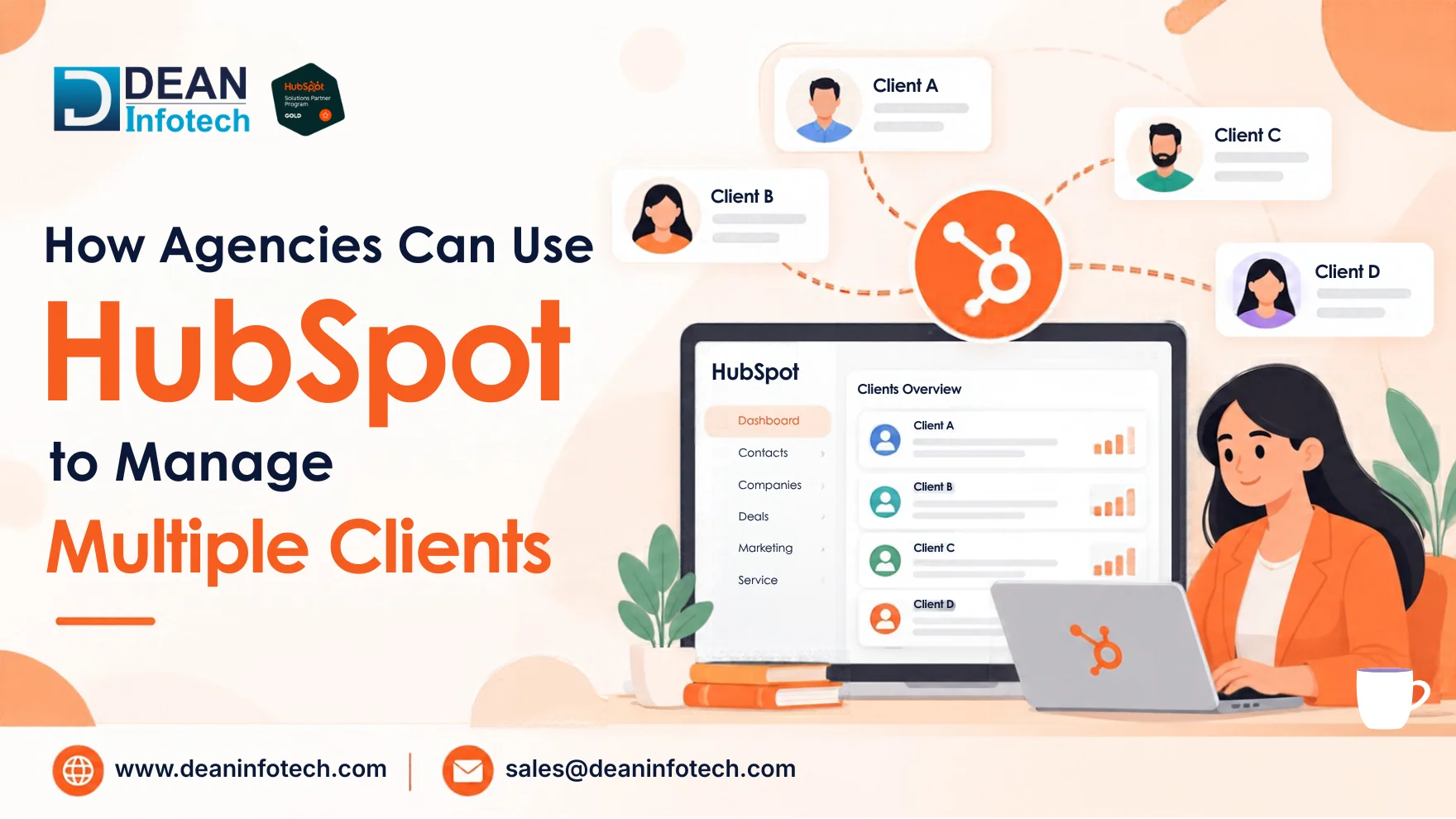
One shared portal with permissions. You can restrict access using teams, permission sets, and contact partitioning (an Enterprise-level feature). It works, but it's the riskiest option for client work, because one permissions mistake can expose a client's data to the wrong person.
Most agencies end up with a hybrid: one internal portal for running the agency (clients as company records, deals for new business and renewals, tickets for requests), plus separate client portals for campaign delivery. A proper HubSpot CRM implementation for your internal portal usually covers client company records, a new-business pipeline, a renewal pipeline, ticket pipelines, and consistent custom properties like contract value, service line, and renewal date.
Setting Up Your Agency's Internal HubSpot
Your own portal doesn't need to be complicated, but it needs to be deliberate. A solid HubSpot CRM implementation for an agency usually includes:
Clients as company records, with properties for contract value, services purchased, renewal date, account manager, and industry.
A sales pipeline for new business, from discovery call to proposal to signed retainer.
A separate pipeline for renewals or upsells, so expansion revenue doesn't get lost in new-business numbers.
Ticket pipelines for client requests, change orders, or support issues, so nothing lives only in someone's inbox.
Custom properties and, if your plan allows, custom objects for things like retainers, campaigns, or deliverables.
Keep property names consistent from day one. A field called "Service Line" in one place and "Offering" in another will wreck your reports later.
Managing Access and Permissions
Whichever structure you pick, access control deserves its own plan.
Use teams and permission sets to define what each role can see and edit. A junior campaign manager doesn't need billing data.
Give agency staff access to client portals through the proper partner routes rather than sharing logins. Shared credentials make audits impossible and create real security risk.
Remove access when people leave a project. This is easy to forget and matters more than most agencies admit.
Keep client data out of your internal portal unless there's a clear reason and contractual permission to hold it there.
Data protection rules vary by region, and they affect how you handle client contacts. In the UK and EU, UK GDPR and GDPR apply. In the US, you'll deal with CAN-SPAM and state laws like the CCPA. In Australia, the Spam Act 2003 and the Privacy Act come into play. If you manage lists for clients in more than one country, confirm consent practices and where the data is hosted. Your client's legal team should have the final say.
Benefits of Centralized CRM to Manage Multiple Clients
When your agency's information lives in one organized place, a few things improve quickly.
A clear view of the whole business. You can see revenue by client, services sold, renewal dates, and open requests without piecing together five tools.
Faster, more consistent reporting. Standard dashboard templates mean you adjust a few widgets per client instead of building reports from scratch each month.
Better handoffs. Notes, tasks, emails, and calls sit on the client record. If an account manager is out or leaves, the next person sees the full history.
Smarter upsells and renewals. Where there are service lines and contracts with known dates, it becomes easy to identify growth opportunities and accounts at risk.
Less tool sprawl. CRM, email, forms, landing pages, tickets, and reporting sit in one platform, which cuts manual data entry and mismatched numbers.
Stronger accountability. Clear owners, due dates, and pipeline stages make it obvious who is doing what.
Automations Can Be Used to Save Time
Automation pays off most where agencies lose hours to repetitive admin. These seven are worth building first.
1. Client onboarding. When a deal moves to Closed Won, create onboarding tasks, notify the account manager, send a welcome email, and open a kickoff ticket. Every client starts from the same checklist.
2. Renewal reminders. Develop a workflow based on dates, which will remind the account manager about the contract ending 90 and 60 days prior to its expiration, thus giving you time to properly prepare for renewal discussions.
3. Client health alerts. Add a manual or calculated health property (green, amber, red). When it turns red, create a task and notify the account owner so problems get handled before a cancellation email arrives.
4. Lead routing for client campaigns. If you run lead generation, assign new leads to the right owner, tag them by campaign, and notify the client or team immediately. Speed here is often what clients judge you on.
5. Internal approvals. Any changes related to content, ads and budgets require approval. Track any approvals by using ticket stages or tasks instead of chasing people via emails.
6. Scheduled reporting. Schedule automatic emails to yourself for your dashboards/reports to ensure that you do not have to engage in manual data collection again. Discover how HubSpot can help you with external sharing currently.
7. Proposal and deal follow-up. When a proposal sits untouched for several days, create a task for the deal owner. It's a small automation that quietly protects revenue.
For needs that standard workflows can't cover, such as syncing with project management or billing tools, HubSpot integration services can connect your stack so signed deals create projects and invoices show up on the company record.
Common Challenges Agencies Face When Managing Multiple Clients in HubSpot
Data separation mistakes. Putting unrelated clients in one portal without a strict permissions plan is the biggest risk. Review who can see what, and remove access as soon as people leave a project.
Shared logins. They make audits impossible and create security problems. Give each team member their own access.
Too many custom properties. It's tempting to add a field for every request. The result is a portal that's slow to use and hard to report from. Create properties only when you'll use them in segmentation, automation, or reporting.
Inconsistent naming. If one team calls it "Service Line" and another calls it "Offering," your reports will quietly break.
Messy attribution conversations. HubSpot can show which channels contribute to deals, but advanced revenue attribution sits on higher plans. Agree on the model with each client upfront, so you aren't arguing about credit later.
Reporting on activity instead of outcomes. Clients care about qualified leads, pipeline, and revenue more than open rates.
Thin documentation. If one person understands the setup, you have a risk. Keep a simple record of properties, workflows, and permissions.
Outgrowing the setup. What worked for five clients often breaks at twenty. Plan for a review every quarter.
How a HubSpot Solutions Partner Can Help Agencies Scale Client Management
Short Answer: A HubSpot Solutions Partner helps agencies scale client management by optimizing CRM structures, automating workflows, cleaning data, and integrating business tools. With expert HubSpot consulting and custom development, agencies can manage multiple clients efficiently, improve team productivity, reduce manual work, and deliver consistent results while maintaining control over their CRM operations.
Many agencies are good at marketing but don't have time to be HubSpot architects. A Solutions Partner brings experience from many setups, so you skip trial and error.
Typical help includes:
Account structure planning: deciding between separate portals, business units, or a hybrid, with a clear permissions model.
Audits and cleanup: finding duplicate records, unused properties, and broken workflows.
Workflow and pipeline design: building onboarding, renewal, and routing logic that fits your services.
Integrations: connecting HubSpot to project management, accounting, and ad platforms.
Custom builds: when standard features don't fit, HubSpot custom development can add custom objects, apps, or code actions.
Strategic guidance: HubSpot consulting services help you choose the right plan, prioritize what to build first, and avoid expensive rework.
A good partner will also train your team and hand over documentation, so you aren't dependent on them for every change.
Conclusion or Key Takeaway
HubSpot works well for agencies when it's built around two clear goals: running your own business smoothly and delivering measurable results for every client. Pick an account structure that protects client data, automate the repetitive admin, and standardize your reporting. Then refine as you grow.
Effective client management on HubSpot doesn't involve having all its features. It involves setting up an organized system that everyone can understand. In case you are expanding to the US, UK, and Australia, plan for permission and data privacy from the beginning.
Need expert help with your next project?
Get expert guidance across Salesforce, HubSpot, GoHighLevel (GHL), AI, and web development — tailored to your business.







Comments