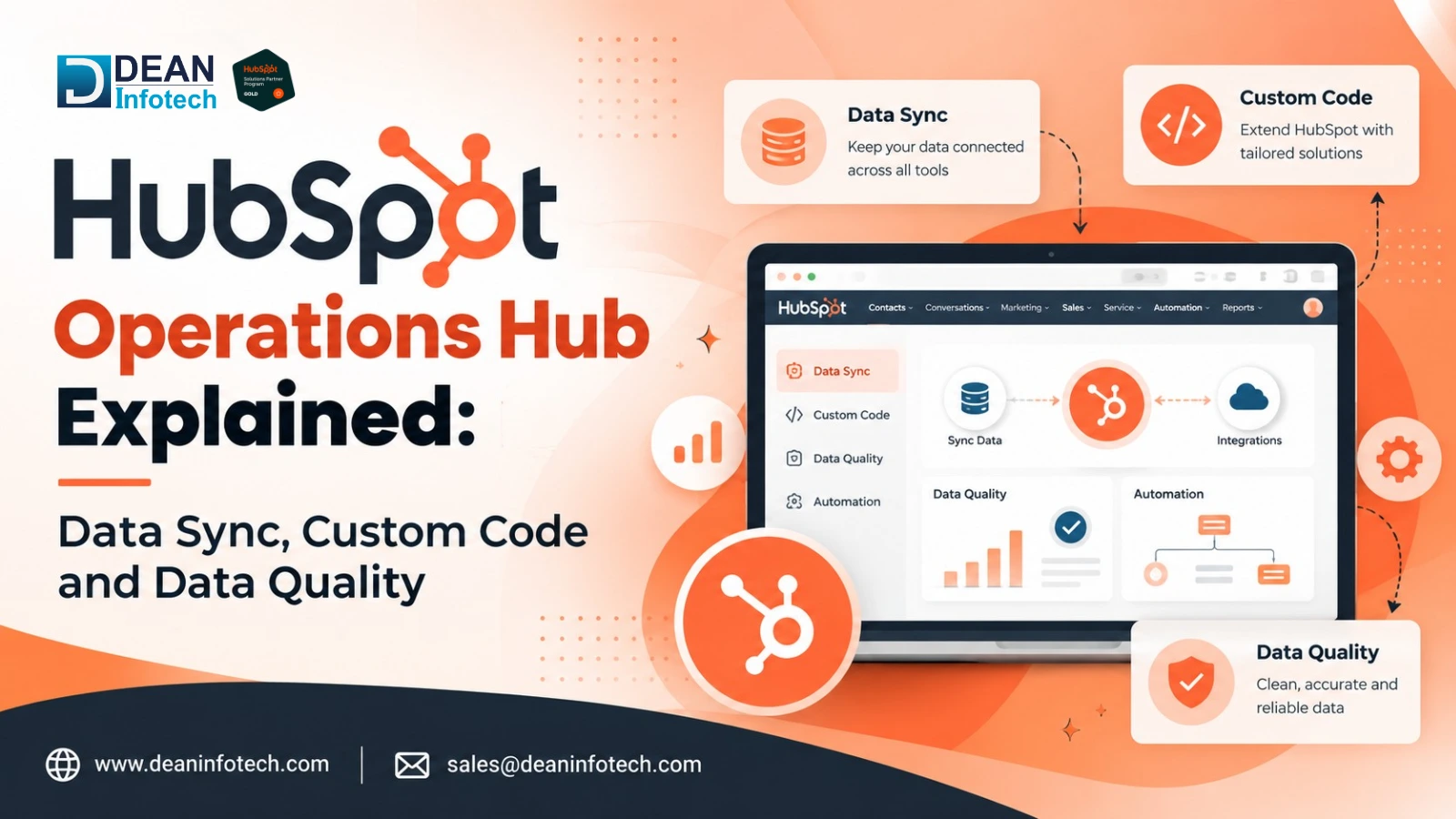
HubSpot Operations Hub consists of a suite of tools aimed at helping companies link, organize, automate, and manage their CRM data within the HubSpot and other business solutions. The toolset is especially relevant for those enterprises that utilize various applications and need the customer data consistency across their tech stack. The most notable features of Operations Hub include Data Sync for connecting and linking information among the supported applications; custom code allowing for extending the HubSpot workflow with more complex automation; and data quality functionality helping to detect and deal with the inaccuracies and duplications in CRM data. In general, all these functions make data management easier and more efficient. Since HubSpot has been gradually renaming their product into Data Hub, the company’s customers will be able to see both terms: "Operations Hub" and " Data Hub ."
What Does HubSpot Operations Hub Actually Do?
Short Answer: The Operations Hub of HubSpot is a way to control the operations side of your CRM by linking applications, making complicated processes automatic, and increasing the quality of customer data. The capabilities of this product can be divided into three main groups: Data Sync, programmable automation, and data quality.
Data Sync provides synchronization of information between HubSpot and other applications. Companies have an ability to sync supported records and fields, which will decrease manual work and make working with consistent customer data easier.
Custom Code and programmable automation allow using HubSpot Workflows for complicated operations not covered by standard automation actions. If a workflow requires some complicated calculations, data transformation, condition, and interaction with external systems, you can use custom code.
Data quality means maintaining CRM information consistent, complete, and accurate. Companies have an opportunity to identify problems with CRM data like duplicates, inconsistencies, and wrong formatting and fix this issue.
Moreover, advanced data analysis and reporting capabilities including datasets are also possible via Operations Hub.
How HubSpot Data Sync Works
HubSpot Data Sync enables businesses to sync CRM data between HubSpot and the integrated third-party software applications. Rather than manually exporting and importing data, users may set up synchronization rules to ensure that data is consistently synchronized between the connected applications.
How Two-Way Sync Works?
Data Sync can be used for both one-way or two-way synchronization. In one-way synchronization, data will be transferred from one application to another. However, in two-way synchronization, data can be moved both ways:
HubSpot ↔ Connected Application
For instance, in case a sales rep makes any changes to the customer's phone number within the connected application, Data Sync will transfer such changes into HubSpot according to the set rules.
What Can Businesses Synchronize?
Based on the specifics of the integration, businesses can synchronize the following supported CRM records:
Contacts
Companies
Deals
Supported CRM objects
Custom objects, where supported by the integration
Field Mapping and Conflict Resolution
Data Sync depends on the rules of configuration in order to transfer information from one system to another. Field mapping establishes what properties correspond between applications while the sync direction determines where the updates are possible. The rules of record matching assist in establishing whether the information should be attributed to an existing record or to a new one.
Businesses can also use sync filters to establish which records are synchronized. In case there are conflicting values between systems, conflict resolution rules will determine what information will be preserved or synchronized.
For example, if a customer updates his/her phone number in the external CRM system, then Data Sync will be able to update the same for HubSpot contact depending on the configured field mapping, synchronization direction, matching rules, and conflict rules.
HubSpot Custom Code: When Standard Automation Is Not Enough
The use of custom code in HubSpot Operations Hub helps companies to go beyond the limitation of workflow automation using HubSpot actions, where the default actions cannot help meet certain requirements. The custom code actions can execute either JavaScript or Python code in workflows without depending only on standalone applications.
Companies can make use of custom code for making API calls, complex calculations, data manipulation, conditionals, and system integration purposes. For instance, whenever a particular deal hits a certain stage, the custom code can make use of API to extract certain data from the outside systems and then manipulate the data before updating the HubSpot properties.
When the business logic moves past a simple “if this, then that” condition, custom code becomes quite helpful to manipulate data, use some specific rules, or integrate HubSpot workflows with other systems.
However, custom code must not always be used as a solution for every automation scenario. In case a workflow action can perform the function that is needed, a native action will probably be easier to maintain. Companies have to prevent putting extra code into their workflows that may make them hard to read or debug.
Before implementing custom code, developers need to validate the logic and add error handling and input checks. Good practices for custom code in a workflow involve using standard HubSpot automation as much as possible.
How Operations Hub Improves HubSpot Data Quality
The consequences of having bad data on your CRM may be reflected in your reporting, segmentation, automation, and customer communications. Common examples of bad data on HubSpot include duplicates of contacts or companies, inconsistent formatting, lack of data, wrong property value, inconsistent phone numbers, and improper data entry practices. When such things happen, teams will be spending more of their time correcting data than actually using the CRM effectively.
The Operations Hub will help businesses overcome the above challenges with the help of data quality automation, standardization, duplicate management, record cleaning, and data monitoring capabilities. Businesses will have processes set in place that will allow them to identify bad data and standardize data that is important to their business.
For instance, there may be inconsistencies in how telephone numbers are inputted, or perhaps there may be more than one record for the same customer. A standardized process for data quality can assist in such cases where there is a need to implement some rules for ensuring cleaner data entries.
But data cleaning is something that should never be considered a one-time event. It may happen that after performing an initial data cleanup of your CRM, you end up creating new inconsistencies through imports, updates, or integration of other data sets.
Standardization, duplicate management, and data monitoring can make your operations much more efficient through the help of Operations Hub.
Data Sync vs. Custom Code vs. Data Quality: What Is the Difference?
Data Sync, Custom Code, and Data Quality can be applied separately to overcome separate operational challenges. However, when combined, they are utilized as part of HubSpot’s operations functionalities.
| Capability | Main Purpose | Example |
| Data Sync | Connect systems | Sync HubSpot contacts with another CRM |
| Custom Code | Extend automation | Calculate or transform data |
| Data Quality | Keep CRM data clean | Detect duplicates and standardize records |
Data Sync is the best option where data needs to be transferred from HubSpot to other business apps. Data Sync will help minimize data entry and keep your systems in sync.
Custom Code can be used where the standard workflows in HubSpot fail to manage the business logic. This will enable advanced calculations, data transformations, API calls, etc.
Data Quality addresses the issues related to data quality and CRM record quality. This will enable organizations to manage duplicates, format consistency issues, bad data, and so forth.
Which One Is for You?
Systems do not exchange information consistently? → Choose Data Sync.
Process logic cannot be expressed by native actions? → Choose Custom Code.
Are there duplicates in your CRM system? → Choose Data Quality.
In fact, for many companies, these competencies fit perfectly together: Data Sync connects systems; Custom Code manages complex processes; and Data Quality manages data quality.
When Does Your Business Need HubSpot Operations Hub?
The following are signs that your business could benefit from the Operations Hub by HubSpot in terms of handling CRM and connected applications data. This software solution is especially helpful for businesses which are in a growth phase and need better synchronization of HubSpot data, automation of workflows, and management of data quality.
Signs that your business could benefit from Operations Hub include:
Use of different applications by your business for sharing data.
Your business has to regularly export and import CRM records manually.
Presence of duplicates or inconsistencies of data in records which affect reporting.
HubSpot workflows can not perform your needed automation tasks.
Teams spend much time correcting CRM data.
Need to integrate HubSpot with other systems through APIs and automation.
But you do not need Hubspot Operations Hub if your current workflows and integrations are able to address your business needs in terms of operational activities.
It is crucial to remember that new functions should be implemented only if they are able to solve a certain business issue. For companies dealing with their expanding CRM environment, Operations Hub can be the right choice.
How to Get More Value From Operations Hub
Prior to using Operations Hub, it is necessary to identify the issues which should be solved with the help of this tool. In general, it is rather tempting to use all the features provided, but the best way to gain maximum results is to have a certain aim from the beginning.
First, conduct a CRM data audit. There will be duplicates, blank cells, and mismatched properties found. After analyzing all these data, choose the applications which should exchange their data and configure the Data Sync and mapping of the fields.
Try to make use of automation within the HubSpot as much as possible and reserve coding for cases when workflow actions cannot perform the task. At last, it is recommended to establish the data quality rules for the main properties and consider the new ones when they appear.
In this way, companies can build a more integrated HubSpot without creating any additional mess.
Conclusion or Key takeaway
The HubSpot Operations Hub makes it possible for the business to have a well-integrated and robust CRM through the use of Data Sync, custom code, workflow automation, and data quality features. The Data Sync ensures that information is kept synchronized in all applications while the custom code ensures there is advanced automation in cases where the usual workflows fail.
In light of how HubSpot is developing towards Data Hub, it is important for any business to think about having a strategy for its data and automation processes rather than regarding them as separate features. Dean Infotech can assist businesses in the implementation of HubSpot, CRM integration, workflow automation, and data management.
Need expert help with your next project?
Get expert guidance across Salesforce, HubSpot, GoHighLevel (GHL), AI, and web development — tailored to your business.









Comments