Most CRM migrations don't fall apart on cutover weekend. They fell apart months earlier, in a planning meeting where nobody asked who owns the lead routing rules, or whether anyone still uses that 2019 workflow with forty branches.
A CRM switch touches nearly everything a revenue team does: lead handoffs, forecasting, campaign attribution, renewals, board reporting. When it goes well, you get cleaner data and a system people trust. When it doesn't, you get months of confusion, missing pipeline history, and a sales team quietly tracking deals in spreadsheets again.
This guide covers the migration risks worth tackling before you switch, and what to do about each one. It draws on how these projects play out in practice for teams moving to HubSpot. If you're still shaping the bigger picture, our post on HubSpot implementation for B2B companies is a useful companion read.
Why CRM Migration Risk Starts Before Any Data Moves
It's tempting to treat migration as a technical job. Export from the old system, import into the new one, check the numbers. That framing is exactly where trouble begins.
Your CRM carries your process. It decides how leads get qualified, who gets the next opportunity, what counts as a pipeline, and which dashboard the CEO opens on Monday morning. Swap the platform and you change all of that, whether you planned to or not.
Treat it as a business change
Bring sales, marketing, customer success, operations, and finance into the project early. Ask each team how they work today and what they'd change if they could. The gap between those answers is your real scope. Teams that skip this step tend to find out at go-live, when the SDR team realizes their routing logic never made the trip.
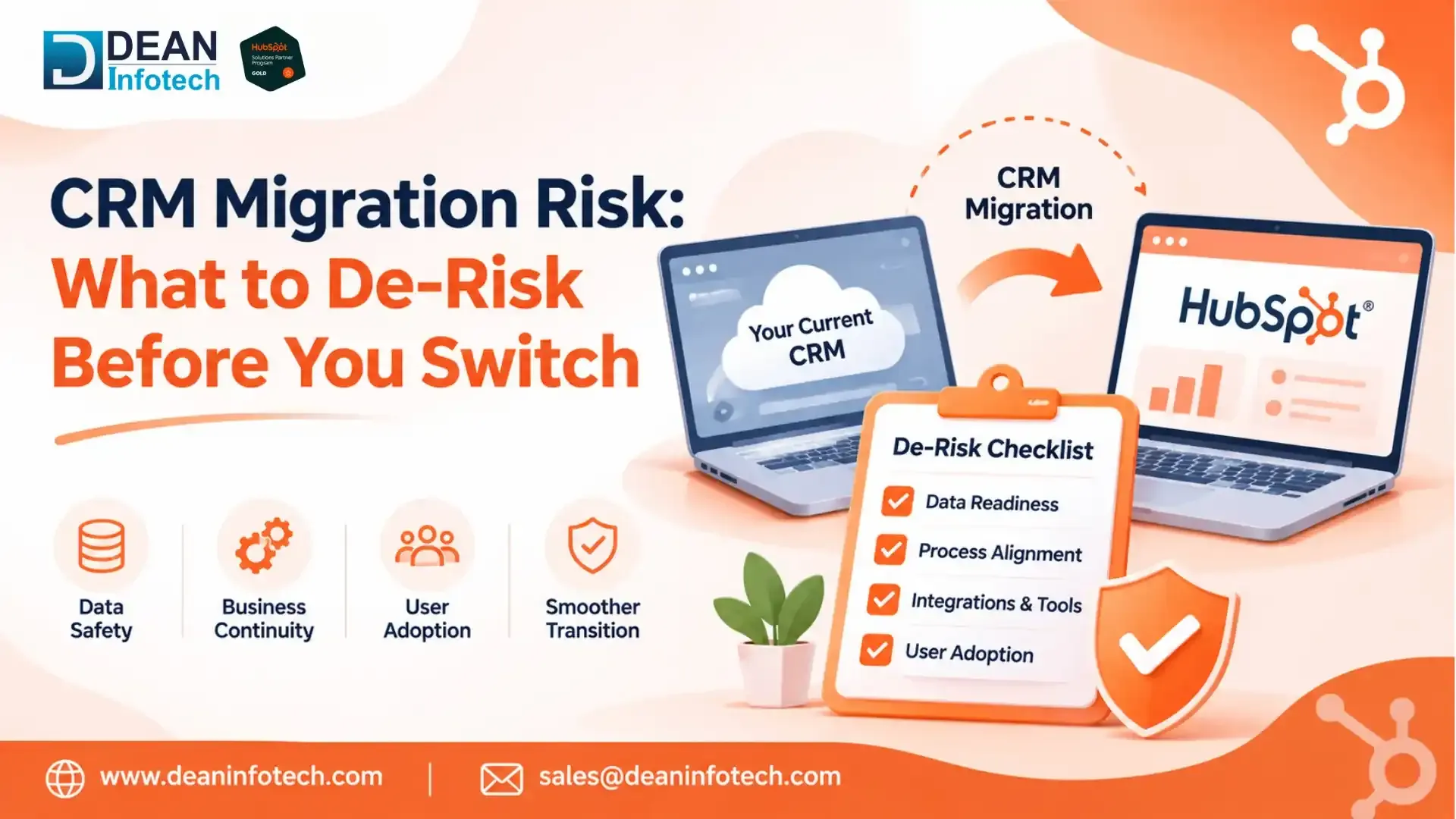
Skip the lift-and-shift
Copying your old setup one-for-one is the most common shortcut, and one of the costliest. Older CRMs collect clutter: fields nobody fills in, properties created twice by two different admins, automations built for campaigns that ended years ago. Move all of it across and you've paid for a new platform to run old habits.
A migration is a rare chance to redesign. Decide what you want the system to do, then build toward that. It's also why many companies bring in a HubSpot Solution Partner before the project plan is locked, not after. Our HubSpot consulting services often start at exactly this stage.
What to Audit Before You Switch CRMs
An audit is the cheapest risk reduction you'll ever buy. A problem found now costs an afternoon. The same problem was found after the go-live costs pipeline.
Data quality
Every CRM carries some debt. Duplicate contacts, companies spelled four different ways, records with no owner, invalid emails, test entries from a demo three years ago. None of that is unusual. What matters is whether it follows you into the new system.
Before migrating, check:
Duplicate rate across contacts, companies, and deals
Field completeness on the properties your teams rely on, such as owner, lifecycle stage, lead source, and industry
Format consistency in phone numbers, country names, and dates
Orphaned records, like contacts with no company or deals with no contact
Test and junk records that should never have been there
Use the results to size the cleanup and set a realistic timeline. One HubSpot-specific note: contacts are deduplicated on email address and companies on domain name, so records missing those values are where import surprises tend to show up.
Workflows, reports, and integrations
List every active workflow, report, dashboard, and integration. Then sort each into one of three buckets: business-critical, useful, or obsolete. Only the first two get rebuilt, and the first gets rebuilt first.
Integrations deserve extra attention. ERP, billing, support desk, ad platforms, data warehouse, e-signature: each one is a dependency. For every connection, write down what data moves, in which direction, how often, and who owns it. Most teams uncover one or two integrations nobody remembers until they stop working.
De-Risk Your Data Model and Process Design
Decisions you make here stick around. They shape reporting accuracy, automation reliability, and whether your team adopts the system or works around it.
Field mapping, lifecycle stages, and ownership rules
Field mapping is usually where the first structural cracks appear. Two systems can name the same idea differently and store it differently. A picklist with fourteen values in the old CRM might need to be six in the new one. A free-text field might need to become a dropdown before anyone can report on it.
HubSpot itself gives you a good example. Lifecycle stage and lead status do different jobs: lifecycle stage tracks where a person sits in your funnel, while lead status tracks your sales team's follow-up on that person. Load an old "status" field into the wrong one and contacts land in the wrong stage, or marketing keeps nurturing people who are already in an active deal. Deal pipelines work the same way. Decide up front how your old deal stages map to HubSpot pipeline stages, because each stage carries its own probability and reporting logic.
Lifecycle stages deserve a fresh look too. Your current definitions reflect old decisions, so align them with how you sell today. The same goes for ownership rules. Base them on the operating model you want, whether that's territory, segment, or account tier, not on whatever the old system happened to enforce.
Decide what to migrate, archive, or delete
Not every record earns a place in the new CRM. Moving years of inactive contacts and stale closed-lost deals adds weight without adding value. A simple three-bucket approach works well:
Migrate active customers, open deals, and engaged contacts, with their history
Archive older records that have reference value in storage outside the CRM
Delete duplicates, test entries, and records with no ongoing use
One more habit worth building: store each record's legacy ID in a custom property. When someone asks "where did this deal come from?" six months later, you'll be glad it's there.
Read More Blog Here: 7 Best HubSpot Migration Partners for Salesforce Users
How to Reduce Go-Live Risk
Go-live concentrates risk. Pipeline, reporting, and customer-facing communication all switch at once, so this is the stage to be most deliberate.
Run a sandbox or test import first
A dry run shows you mapping errors, broken automations, and integration gaps while you can still fix them. If your HubSpot tier includes sandbox accounts, use one to test configuration. Otherwise, run a trial import with a representative data sample in a test account.
A solid test covers four things:
Record count reconciliation between source and destination
Spot checks on a random sample, field by field
Association checks, confirming contacts link to the right companies and deals
Automation tests, making sure workflows fire correctly on migrated data
Load data in a logical order too: companies first, then contacts, then deals and other objects, so associations hold. And let real users test it. A rep clicking through their daily routine finds problems a checklist won't.
Have a rollback plan
Even well-tested migrations can surprise you. A rollback plan decides in advance what happens if something critical breaks. It should include keeping the legacy system read-only for an agreed period, documenting how to reverse integrations and automation, setting clear criteria that trigger a rollback, and naming one person who makes the call.
Without that, teams feel pressure to push through problems, and small issues turn into long recoveries.
Manage the cutover window
Cutover is when both systems are in motion at once, so treat it like an operation, not an event.
Pick a quiet period. The last week of a quarter is rarely a good one.
Freeze changes in the old CRM before the final data load
Tell every affected team what's happening and when
Run both systems briefly to compare numbers
Keep dedicated support on hand for the first two weeks
Marketing needs its own check. Confirm that forms, lead scoring, email subscription statuses, and attribution reports behave correctly before you switch off the legacy platform. Many teams pair cutover planning with HubSpot implementation services so hypercare and governance sit inside one plan instead of three.
What Teams Often Miss in CRM Migrations
Three gaps show up again and again.
Change management. A migration succeeds when people use the new system. Start training and communication well before go-live and keep going for weeks after. Role-based sessions beat one big demo.
Compliance and consent. Migrating contact data can trigger obligations under GDPR, CCPA, or sector rules. Make sure consent records and email subscription preferences move with the contacts. Emailing someone who already opted out is a real and avoidable risk. Bring legal in early.
Post-migration measurement. Set your baselines before you switch: duplicate rate, user adoption, report accuracy, lead response time. Without them, you can't say whether the project worked.
How a HubSpot Solution Partner Helps You De-Risk the Switch
Short Answer: A migration is a lot to run alongside your day job. A HubSpot Solution Partner brings a repeatable process and has usually seen the failure modes before you do.
In practice, that means a discovery and audit phase, a target data model, a cleanup and mapping plan, structured testing, and support through cutover and adoption. The best partners push back too. They'll tell you which legacy workflows aren't worth rebuilding, which saves budget and complexity.
When you evaluate a HubSpot Consulting Partner, ask how they handle data audits, what their rollback approach looks like, and who stays involved after launch. Clear answers to those three questions say a lot about how the project will run. If you want a second opinion on your plan, our HubSpot consulting services team is happy to review it.
Why Choose Dean Infotech as Your HubSpot Solution Partner?
Dean Infotech helps B2B teams plan and run HubSpot CRM implementation projects, from data audit and mapping to testing, cutover, and user enablement. We work with your sales, marketing, and operations teams to design the new setup around how you actually sell, not how your old CRM happened to be configured. Ready to talk through your migration? Contact our team and we'll help you map the risks before they become problems.
Enjoyed this article?
Follow Dean Infotech on Google for practical CRM, technology and AI insights, fresh updates and expert guides.
- Expert-led insights
- Practical guides
- Fresh updates
Need expert help with your next project?
Get expert guidance across Salesforce, HubSpot, GoHighLevel (GHL), AI, and web development — tailored to your business.






Comments