The businesses have loads of CRM data, but analyzing that data can be quite a cumbersome task. HubSpot Data Agent is an intelligent solution for such challenges since it leverages artificial intelligence to analyze data from CRMs and other business data sources to provide answers, insights on trends, and more actionable insights.
Whether it is sales and revenue analysis or customer segmentation and retention, the businesses can leverage HubSpot Data Agent to gain a better understanding of their data and make decisions.
In this guide, we will discuss the HubSpot Data Agent – its definition, working process, features, use cases, and how to use it.
What Is a HubSpot Data Agent and What Does It Do?
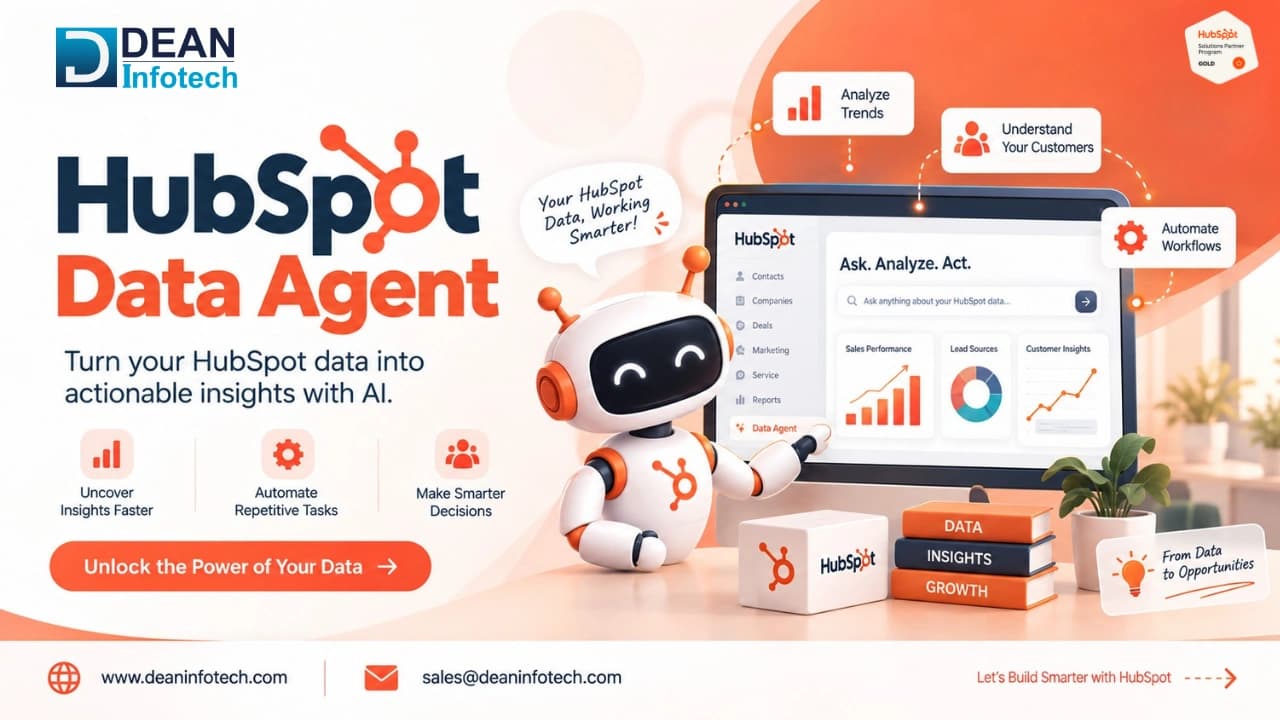
HubSpot Data Agent is an AI-based tool that aims at helping organizations to better analyze and interpret data about their customers and CRM. There is no need to look through records, reports, and dashboards; users are able to ask questions and receive relevant insights out of their HubSpot data.
The Data Agent may assist in finding trends, patterns, behavior of customers, sales results, etc. It is a great tool for understanding what is going on in the organization's CRM and acting based on data.
For instance, one may ask the following questions to the sales team:
- Which deals are the most likely to be closed?
- What influences our sales results?
- Which customer segments generate the highest amount of money?
- Are there any trends in our pipeline?
Thus, with HubSpot Data Agent users are able to reduce time needed for analyzing data and act based on it.
How Does HubSpot Data Agent Work?
Here's the basic idea. First, you write a prompt for the Data Agent, describing the information you seek. After which, the Data Agent finds the information you want by looking on your organization's website, CRM properties, call recordings, or doing a search on the web. Finally, the information is put back in HubSpot.
The solution will be where you set it up. It may appear as a Smart Property within the contact record, as a Smart Action within a workflow or as a Smart Column within a Data Studio report. In any case, no information is exported to some other place where it can be copied and pasted into the record.
Break it down further and there are three steps happening each time:
- It gathers information. It looks at what's already in your CRM, then checks outside sources if your prompt calls for that.
- It figures out the answer. It reads through what it found and works out a response based on what you asked for.
- It writes the answer somewhere useful. That could be a property, a workflow action, or a report column.
The difference comes in at the third point. It is not something that provides an insight and lets you deal with it on your own. This can take the next step and perform some action based on the insight gained, like updating a property, triggering a workflow, calculating a lead score, etc., all without any manual interaction with the record. For instance, if there was a change in the job profile of one of your contacts, it can trigger a re-engagement campaign automatically.
Key Features and Capabilities
The HubSpot Data Agent uses various "smart" features to integrate seamlessly into your existing workflows.
Smart Properties: These are custom properties that the Data Agent populates with specific, AI-driven answers. For example, you can create a Smart Property to summarize a company's recent news from their website or a prospect's most recent interaction with your sales team.
Smart Actions: With the help of the Smart Actions you can set up workflows, incorporating custom actions for the Data Agent. This allows for more dynamic and responsive automation of data changes.
Smart Columns: In HubSpot's Data Studio, you can use AI to research and analyze your data and add new columns to datasets, helping you uncover more profound insights.
Key Benefits of HubSpot Data Agent
Data Analysis and Insights
The Data Agent reviews your CRM data and extracts the relevant information, the summary, the flag, the recommendation, so that no one has to manually sift through months of activity.
Natural Language Queries
All you do is type what you are looking for in regular English without any mathematical equations or filters. The Data Agent will handle the rest.
Automated Data Interpretation
It not only retrieves the data but it also understands the data. When you direct it to a call transcript, it will retrieve the necessary information from there, such as an objection from the prospect.
CRM Data Analysis
It works directly with your contacts, companies, deals, and tickets inside HubSpot, no export or separate integration needed.
Trend and Pattern Identification
It is able to detect patterns between records that may take some time for a human being to realize such as deals getting stuck at a certain stage or customers getting inactive before churn.
AI-Powered Recommendations
The final aspect of this is that the Data Agent does not just inform you about what’s going on but suggests the course of action to take. This could either be a follow-up recommendation to a sales person or the suggested timing for the follow up or even an alert on the risk of deal expiration.
How Can I Enable or Use the Data Agent in HubSpot?
A few permissions will have to be turned on before it can be used. In the AI settings, the following permissions will have to be turned on: Access to Generative AI, access to CRM data, access to customer conversion data, and access to files data. In user settings, turn on the Data Agent access permission.
Once that's done, setting it up is fairly straightforward:
- Go to the Data Agent dashboard. In your HubSpot account, head to Data Management > Data Agent.
- Pick a starting point. You can choose from pre-built Smart Property templates, or build one from scratch using your own prompt.
- Write your query. In the "What do you want to know?" box, describe what you're looking for. You can reference other CRM properties directly in the prompt using property tokens.
- Choose a data source. Tell it where to look, options include web research, the company's website, existing property data, or call transcripts.
- Preview and apply. Check the preview to make sure the output looks right, then click Apply changes. The Data Agent will start populating the property.
The same principle applies to Smart Actions and Smart Columns as well. Within a workflow, you will notice that there is a tab for AI, within which you can incorporate a Data Agent Action just like any other action. You can also include a Smart Column in a Data Studio dataset to be analyzed by the Data Agent.
Also Read : HubSpot Implementation for B2B Companies
Use Cases of HubSpot Data Agent
Sales Performance Analysis
The data agent feature from HubSpot can be used by sales professionals for analyzing sales performance, detecting trends, and assessing factors that impact conversion rates. It can help in answering queries related to the most successful sales activities, the status of deals, and overall team performance.
Marketing Campaign Analysis
Marketers may use their analysis of marketing campaigns and customer information in order to know what is working and what needs improvement. This can assist in knowing the trends for engagement and conversion.
Customer Segmentation
Rather than having to set up filters and lists yourself, you can tell the Data Agent to create segments based on behaviors and firmographics, such as the size of the company or the industry.
Pipeline and Revenue Analysis
This tool will allow it to go through deal data along the pipeline, identify those that are not progressing, give a summary as to why it is stuck, or point out which deals have the potential of closing.
Customer Retention Insights
Through analysis of the data collected from customers and CRM, businesses are able to detect certain trends that can be used to show the chances of engaging or retaining the customers.
Forecasting and Trend Analysis
It may analyze past transaction data and identify trends, such as when certain deal types are closed quickly and when certain months are slow, to provide more accurate forecasts.
Conclusion
The HubSpot Data Agent makes it easy for companies to leverage their CRM data to gain insights. Whether it is through analyzing sales results, pipeline performance, segmenting customers or spotting trends, the Data Agent can be used for quick data-based decision making.
Nevertheless, to fully benefit from the use of the Data Agent, it is necessary to have a properly set up CRM, structured data and proper integrations. For companies looking for a seamless implementation process, they can always seek the assistance of HubSpot Data Agent services or a HubSpot Data Agent consultant.
No matter whether it is HubSpot Data Agent implementation services, integration, or other related assistance, the correct method of approach is key.
Need expert help with your next project?
Get expert guidance across Salesforce, HubSpot, GoHighLevel (GHL), AI, and web development — tailored to your business.









Comments