AI is quickly revolutionizing the operation of sales, marketing, operations and customer services for companies. Many companies understand the potential of AI but do not know where to begin.
By utilizing its own platform, HubSpot has made AI more accessible. The HubSpot AI has intelligent features built into areas like content creation, prioritizing leads, automating workflows, and generating reports, so teams can work smarter, not harder.
That said, turning on every AI feature on day one isn't always optimal.
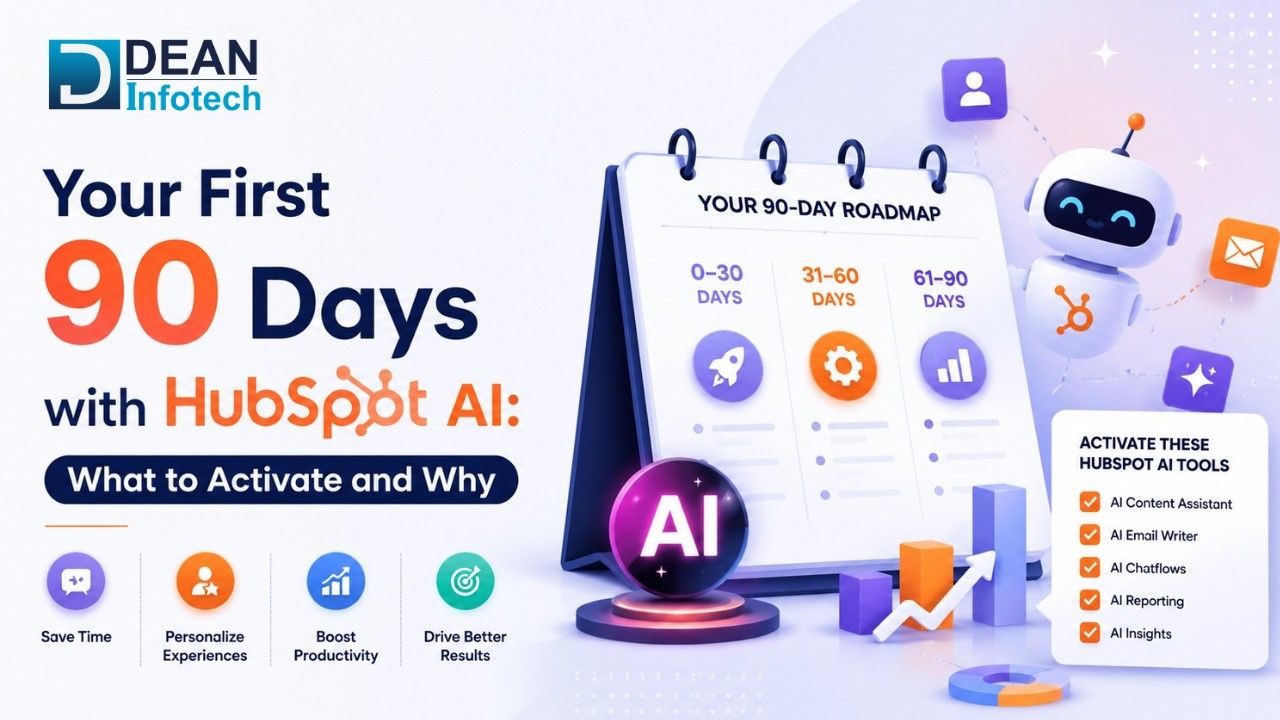
Effective Hubspot AI implementation involves an optimized, phased rollout plan developed with the priority use cases. The 90-day initial period is extremely important as it is responsible for creating a sustainable adoption process, better performance and quantifiable results.
In this article, we will go through what your business should enable in the first 90 days with HubSpot AI and why each feature is vital.
Why the First 90 Days Matter
Many companies have false expectations of AI. Companies believe that they will feel the difference immediately without structured data, processes and goals.
The first 90 days should focus on:
Building AI familiarity
Enhancing operational effectiveness
Automating repetitive tasks
Improving customer experience
Creating quantifiable wins
A phased implementation enables the team to build up confidence whilst keeping AI on track for business benefits and not allowing it to complicate the landscape.
How is HubSpot AI Unique?
In practice, this allows AI to make use of customer data, buying habits, sales activity, marketing encounters and support logs to offer more targeted advice, recommendations and automation.
Key capabilities include:
Content Generation
Predictive insights
Prioritizing Leads
Workflow automation
Reporting help
Optimizing the engagement of customers
The real win here is to marry up the HubSpot AI automation to your current CRM processes and customer data.
Traditional CRM Operations vs HubSpot AI Automation
Function | Traditional CRM Management | HubSpot AI Automation |
Data Entry | Manual updates | Automated data capture |
Lead Prioritization | Rule-based scoring | AI-driven recommendations |
Follow-Ups | Manual scheduling | Automated engagement workflows |
Content Creation | Human-generated only | AI-assisted content generation |
Reporting | Manual analysis | AI-powered insights |
Customer Segmentation | Static lists | Dynamic segmentation |
Workflow Management | Basic automation | Intelligent workflow automation |
Productivity | Limited by manual effort | Scalable and efficient |
Productivity is only limited by the amount of work one puts in. There is unlimited potential for efficiency.
Days 1–30: Build the Foundation
The first month should be about laying a good foundation for the adoption of AI. Content creation represents one of the simplest ways to get into HubSpot AI.
HubSpot's AI tools can assist with:
Designing Emails
Marketing copy
Blogs structure
Subject lines
Social media content
The structure here allows teams to get the benefits of AI quickly, but still have human oversight and quality assurance.
Improve Data Quality
AI can only be as good as the data it uses. During the first 30 days, businesses should focus on:
Eliminating duplicate records
Normalizing customer data
Change properties of contacts
Cleaning CRM data
Strong data quality improves the recommendations for future automation and AI and before expanding AI capabilities, businesses should ensure CRM data is accurate and standardized.
Configure HubSpot CRM Automation
Basic HubSpot CRM automation should be used in the initial hiring stages to ease the administrative burden.
Examples include:
Contact assignment
Creating a task
Deal stage updates
Lead routing
Internal notifications
These automations generate instant efficiencies and get the CRM ready for further, more sophisticated AI-driven workflows. Companies like Dean Infotech help organizations design CRM automation frameworks as these reduce manual effort while preparing the foundation for advanced HubSpot AI capabilities.
Establish AI Governance
Organizations should define:
Processes of verification of content
Data privacy guidelines
Quality control standards
Early governance assists responsible AI adoption.
Days 31–60: Expand Automation and Intelligence
During the sale after the foundation is laid, organizations can move forward to increase artificial intelligence (AI) capabilities.
Activate Intelligent Workflow Automation
The second month is the best time to implement Intelligent workflow automation. Traditional automation may work, but it is rigid. Intelligent workflows allow for more dynamic use of customer interactions and signals.
Examples include:
Individualized follow-up sequences
It is a skillful lead nurturing that involves a lot of dynamic processes
Auto-prioritizing tasks
Customer lifecycle automation
This workflow guides teams in making more responsive actions to their customers.
Explore HubSpot AI Agent Workflows
As organizations become comfortable with basic automation, they can begin exploring HubSpot AI agent workflows as these can help automate repetitive tasks, support lead qualification, assist with customer interactions, and guide teams through complex processes based on CRM data and customer behavior.
Rather than relying solely on static automation rules, AI Agent Workflows can make workflows more adaptive and responsive and this helps businesses improve efficiency while delivering more personalized customer experiences.
Enhance Lead Qualification
Much of the time of salespeople is spent on evaluating leads. HubSpot AI can help prioritize opportunities by analyzing:
Activity of involvement
Website behavior
Email conversations
History of CRM
This helps representatives to prioritize those prospects who are more likely to move through the sales funnel.
Improve Customer Segmentation
Static segmentation becomes obsolete too soon. AI allows companies to generate more dynamic audience segments based on behavior and engagement.
Benefits include:
Enhanced personalizations
Enhanced campaign delivery
Higher engagement rates
More meaningful customer experiences
Implement AI-Assisted Reporting
A majority of the teams encounter difficulty in deriving useful analysis from the data present in the CRM.
HubSpot AI helps identify:
Trends in Achievement
Revenue opportunities
Customer behavior patterns
Allows faster decision-making and better planning
Campaign optimization
Lead nurturing
Performance analysis
Organizations seeking to achieve the greatest degree of efficiency in their marketing will integrate the strengths of AI technologies with more sophisticated methods of HubSpot marketing automation.
Days 61–90: Scale and Optimize
By the third month, an organization should have enough knowledge to focus on the right areas for the implementation of AI.
Refine Workflow Automation
Review the automated performance and look for possibilities to improve.
Questions to ask include:
What workflows are most useful?
Where are the bottlenecks?
Which processes are still manual?
Continuing optimization guarantees that results continue to flow from AI endeavors.
Expand HubSpot CRM Automation
Organizations could iteratively implement more automated and sophisticated features of the HubSpot CRM tool.
Examples include:
Automation of deal progression
Customer onboarding flows
Renewal management procedures
Customer support routing
These automations streamline operations while also creating a great customer experience.
Use Predictive Insights
Predictive ability increases with the amount of data. AI can help identify:
High-converting opportunities
Risks to customer retention
Pipeline trends
Projections of revenue
Favourable insights also enable better strategic decision-making.
Measure Business Impact
This is the final step of the first 90 days. Key metrics may include:
Time savings
Conversion Rates from a lead to a potential customer
Customer engagement
Sales productivity
Marketing performance
Good behavior toward customers; high level of customer retention
Measurement is an assurance of future AI investment as well as a means to improve it.
Why Businesses Invest in HubSpot AI Implementation
AI is no longer a luxury; it is seen as a business differentiator by an increasing number of organizations.
A structured HubSpot AI implementation helps businesses:
Enhance productivity
Lesser manual work
Shorten the time to make decisions
Better customer experiences
Increase operational efficiency
Enables scalable growth
Organizations that implement AI thoughtfully tend to reap better benefits than those that seek to adopt it as an afterthought. Most organizations start by enhancing their CRM base before scaling into AI-driven automation optimization by first setting up the HubSpot CRM properly.
Final Thoughts
The first 90 days with HubSpot AI are the foundation for long-term success and this is why businesses should focus on building a strong foundation, improving data quality, and automating high-value processes before trying to automate everything overnight.
Streamline your team with Human/HubSpot AI automation, HubSpot CRM automation, and Intelligent workflow automation to help your organization work smarter and grow faster. Most effective AI projects are not the most complicated ones, but those that address known business problems.
Transform Your Operations with Dean Infotech
Adoption goes beyond the technology. It takes strategy, implementation experience, process optimization and ongoing enhancement.
Dean Infotech can help your business deploy HubSpot AI solutions, use automation workflows, streamline CRM processes, and build scalable systems.
Whether you’re designing your first HubSpot AI deployment or looking to accelerate your existing automation efforts, our specialists can help you formulate a plan for scalable growth and efficiency.
Connect with our experts today!
Need expert help with your next project?
Get expert guidance across Salesforce, HubSpot, GoHighLevel (GHL), AI, and web development — tailored to your business.









Comments