Getting Salesforce set up right is about more than configuring a CRM. It means making sure your business data actually moves over accurately, stays secure, and doesn't bring daily operations to a halt in the process. Customer records, sales history, and core workflows are the backbone of the business so even a small migration mistake can throw off your data, mess with reporting, and make people reluctant to actually use the new system. Planning, cleaning up data before it moves, testing along the way, checking everything post-migration none of these steps are optional if you want the project to actually succeed.
This comprehensive Salesforce CRM data migration guide walks through what matters most for a clean Salesforce data migration: the practices that work, the mistakes that keep tripping people up, and what you can do to get real value out of the implementation once it's live.
What is Salesforce Data Migration?
Salesforce data migration is basically what it sounds like: moving your business data from spreadsheets, old systems, or another CRM into Salesforce, while keeping it accurate and making sure the relationships between records don't break along the way. That usually covers customer information, leads, accounts, contacts, opportunities, and whatever historical records you're carrying forward.
Get it right, though, and people can actually trust what they're looking at in Salesforce which makes decisions easier and means you're actually getting value out of the platform instead of fighting it.
Best Practices for Salesforce Data Migration
Getting Salesforce implementation right requires following proven Salesforce data migration best practices, a structured approach that puts data quality. A structured approach one that puts data quality first, catches risks early, and actually gets your team ready to work in the new environment. Here's what actually matters for getting data migration done well.
Get Clear on What You're Actually Trying to Do
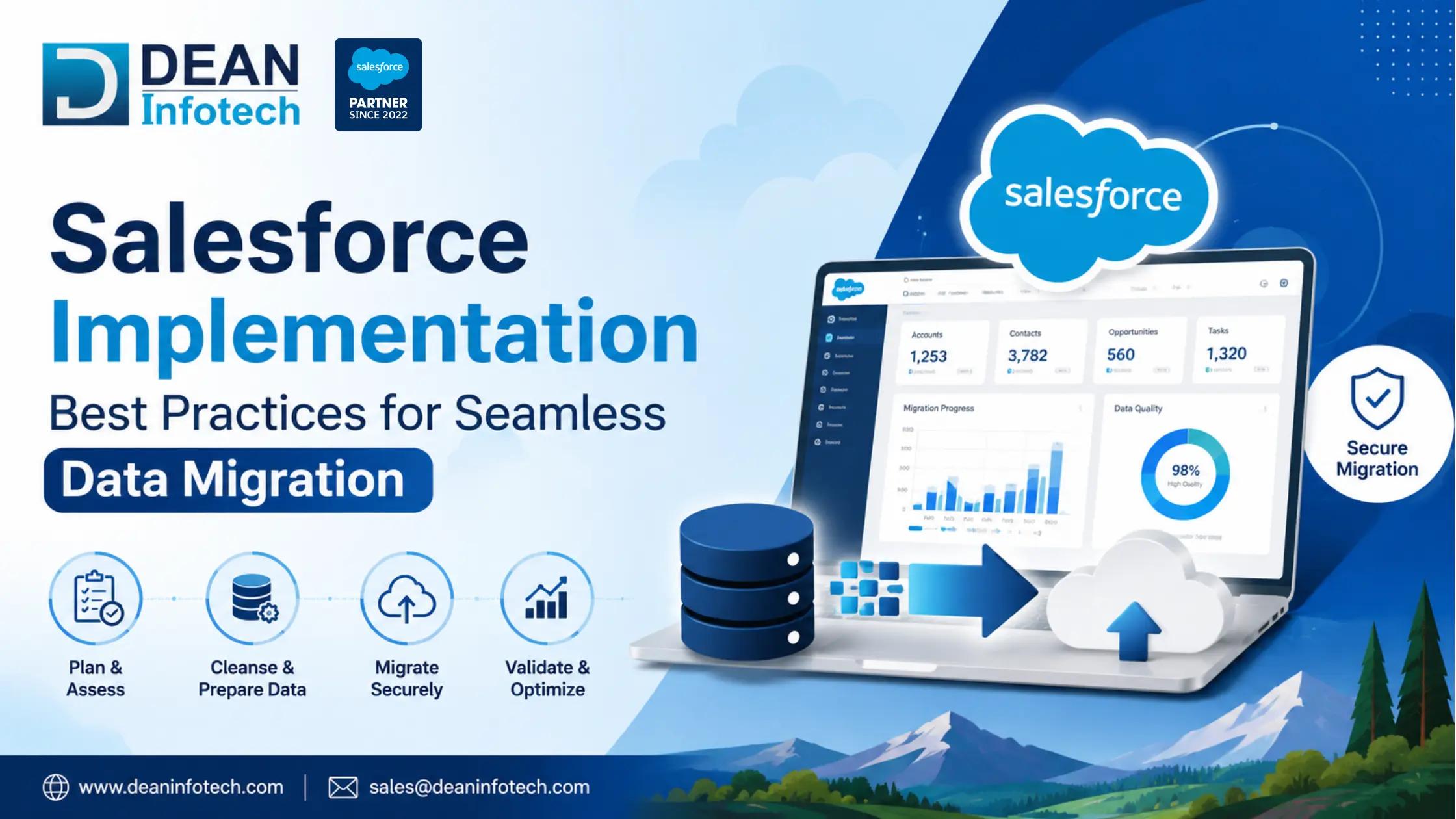
Before you migrate anything, figure out what you actually want out of Salesforce. Better customer relationship management, smoother sales processes, reporting that finally makes sense whatever it is, knowing that upfront shapes what data gets migrated and how it should be organized. It also gives you something concrete to measure the project against once it's done.
Go Through Your Existing Data First
Moving outdated or inaccurate data into Salesforce just carries the problem forward. Go through your current database and find the duplicates, the incomplete records, the contacts nobody's talked to in years, the formatting that's inconsistent across the board. Clean it up before it moves, not after.
Map Your Fields Carefully
No two CRMs store data the same way, which makes mapping one of the steps you really can't rush. Match each source field to the right Salesforce object and field so nothing gets lost or misplaced along the way. Get this wrong and the relationships between accounts, contacts, opportunities, and custom objects start breaking apart.
Pick a Migration Strategy That Actually Fits
There's no single right way to do this; it depends on how much data you have, how complex your systems are, and what the business actually needs. Some businesses move data gradually in phases; others prefer to migrate everything before go-live. Either way, the right choice for your situation cuts down on downtime and keeps risk manageable.
Don't Skip the Migration Tools
Salesforce has built-in tools for this Data Import Wizard, Data Loader and depending on how complex the project is, ETL solutions or third-party platforms might make more sense. The right tool saves you a lot of manual work and keeps the data accurate as it moves.
Move Data in Phases, Not All at Once
Rather than dumping everything into Salesforce in one go, break it into manageable chunks. Start with a pilot migration. It'll surface issues you didn't expect, and you can fix them before moving the bigger datasets. A lot fewer headaches this way, and the business keeps running while you work through it.
Actually Test Everything
Testing isn't optional here. After each phase, check that records came through correctly, field mappings hold up, relationships are intact, and reports pull the numbers you'd expect. User acceptance testing is worth doing too; it confirms the data actually supports how people work day to day, not just that it is technically transferred.
Set Up Real Data Governance
Governance is what keeps things clean after the migration's done. Decide who owns what data, set validation rules, and configure permissions based on actual roles not blanket access for everyone. Following Salesforce's security practices here also protects customer information and keeps you on the right side of compliance.
Train People Before They're Thrown Into It
A technically flawless migration can still fall apart if nobody knows how to use the new system. Hands-on training, clear documentation, and support people can actually reach all of it matters. Teams that understand the system tend to keep the data clean; teams that don't, won't.
Salesforce Data Migration Checklist Before Going Live
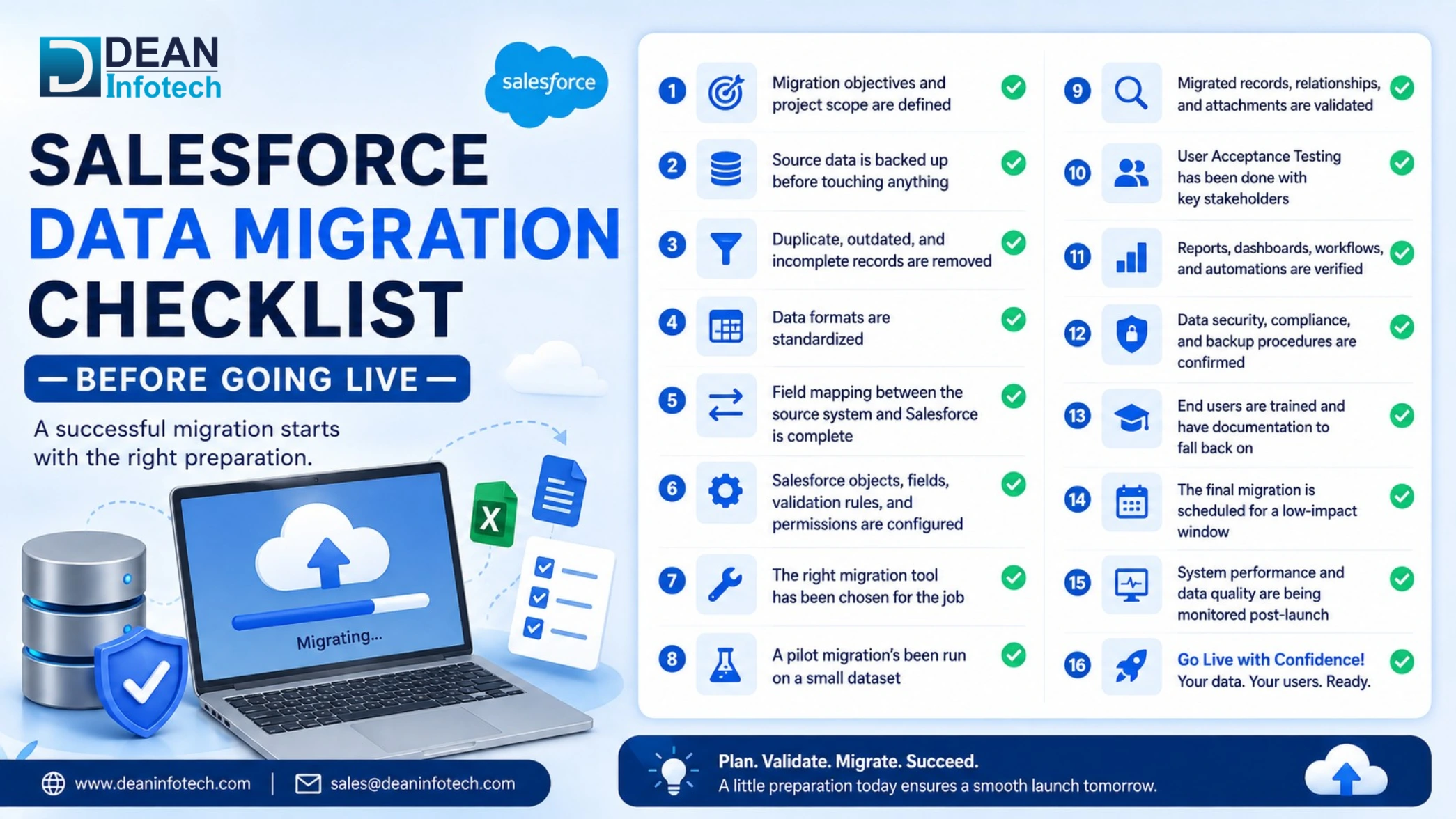
Before you flip the switch on your new Salesforce environment, run through this list. It's the difference between a clean launch and spending your first week firefighting.
Salesforce Data Migration Go Live Checklist
- Migration objectives and project scope are defined
- Source data is backed up before touching anything
- Duplicate, outdated, and incomplete records are removed
- Data formats are standardized
- Field mapping between the source system and Salesforce is complete
- Salesforce objects, fields, validation rules, and permissions are configured
- The right migration tool has been chosen for the job
- A pilot migration's been run on a small dataset
- Migrated records, relationships, and attachments are validated
- User Acceptance Testing has been done with key stakeholders
- Reports, dashboards, workflows, and automations are verified
- Data security, compliance, and backup procedures are confirmed
- End users are trained and have documentation to fall back on
- The final migration is scheduled for a low-impact window
- System performance and data quality are being monitored post-launch
Get through this list before go-live and you cut way down on data loss, migration errors, and disruption to the business. More importantly, your team starts working in Salesforce with data they can actually trust, not something they're second-guessing from day one.
Common Salesforce Data Migration Scenarios
No two Salesforce migrations look the same. Whether you are moving from a specialized platform or looking for broader third-party to Salesforce migration services, knowing what's specific to your situation upfront saves a lot of guesswork later.
- HubSpot to Salesforce
A lot of growing businesses make this move once they need heavier customization, more advanced automation, or CRM capabilities HubSpot just isn't built for. The tricky part is usually reconciling HubSpot's marketing-focused data lifecycle stages, lead scores, engagement history with a data model that's built around sales, not marketing. Get the field mapping and workflow configuration wrong here, and you lose information that actually mattered. - Salesforce Hyperforce Migration
This one's different from a normal migration. Your data stays inside Salesforce the whole time what's actually moving is the infrastructure underneath it, over to Hyperforce. So the real work is checking integrations, connected apps, IP-based security settings, APIs, and compliance requirements, and making sure all of it still works once the move's done. - Microsoft Dynamics 365 to Salesforce
This isn't a copy-paste job. Dynamics and Salesforce structure data differently enough that custom entities, business processes, and relationships often need to be rebuilt rather than just carried over shaped instead to fit how Salesforce actually works. Plan for that redesign work, and you end up with something that scales properly instead of a system held together with workarounds. - Pipedrive to Salesforce
Businesses usually outgrow Pipedrive once their sales process gets more complicated than a simple pipeline can handle. Salesforce gives you real opportunity management, custom record types, automation, deeper reporting but only if you actually restructure your pipeline stages and process around it. Just copying Pipedrive's setup into Salesforce wastes most of what you're paying for. - Zendesk to Salesforce
This move usually comes down to wanting sales and support on the same platform instead of two separate ones. It means bringing over support tickets, customer interactions, SLAs, case categories, and historical records into Service Cloud. Support data tends to come with a lot of tangled relationships and workflows behind it, so this one needs real planning and testing. The last thing you want is customer support breaking mid-migration.
Conclusion
A Salesforce implementation that actually works starts with a data migration strategy that's actually planned out. Clear objectives, data that's been cleaned and mapped properly, the right tools for the job, real testing before go-live, get those right and you cut down on risk considerably. It's not just about protecting your data either, it's what lets your team actually use the platform well from day one instead of fighting it for the first few months.
If you're planning a Salesforce implementation, or moving over from another CRM, having people who've done this before makes a real difference. At Dean Infotech, we specialize in Salesforce migration services, implementation, system integration, and customization, ll built around your business needs.
Need expert help with your next project?
Get expert guidance across Salesforce, HubSpot, GoHighLevel (GHL), AI, and web development — tailored to your business.







Comments