Customer expectations are changing: they want to be supported instantly and personally. The HubSpot AI Chatbot solution , Breeze Customer Agent is a solution that allows you to interact with your website visitors, answer their questions, qualify and score leads, and pass them on to interested teams in your HubSpot CRM.
In this article, we’ll break down what the new AI chatbot from HubSpot is all about, the 2026 updates, the HubSpot chatbot pricing, compare it with Drift, other AI chatbots, and walk through the setup of the HubSpot chatbot so you can start using it right away.
How the AI Chatbot Actually Works
The HubSpot AI Chatbot is powered by Breeze Customer Agent, HubSpot's AI assistant built into the Breeze platform. It uses three key sources to deliver accurate responses: your HubSpot Smart CRM data, HubSpot Knowledge Base, and the rules configured in the no-code chatflow builder. Since it's a no-code solution, you can create and deploy chatbots using pre-built templates and a drag-and-drop interface.
It's important to understand that HubSpot offers two chatbot experiences:
- Rule-based Chatflows follow predefined conversation paths and work best for simple workflows.
- Breeze Customer Agent uses AI to understand natural language, answer unscripted questions, qualify leads, and escalate conversations when needed.
A typical workflow looks like this:
Visitor asks a question → AI understands the intent → Searches CRM and Knowledge Base → Responds or performs an action → Updates HubSpot CRM → Transfers to a live agent if needed.
New Feature Updates for 2026
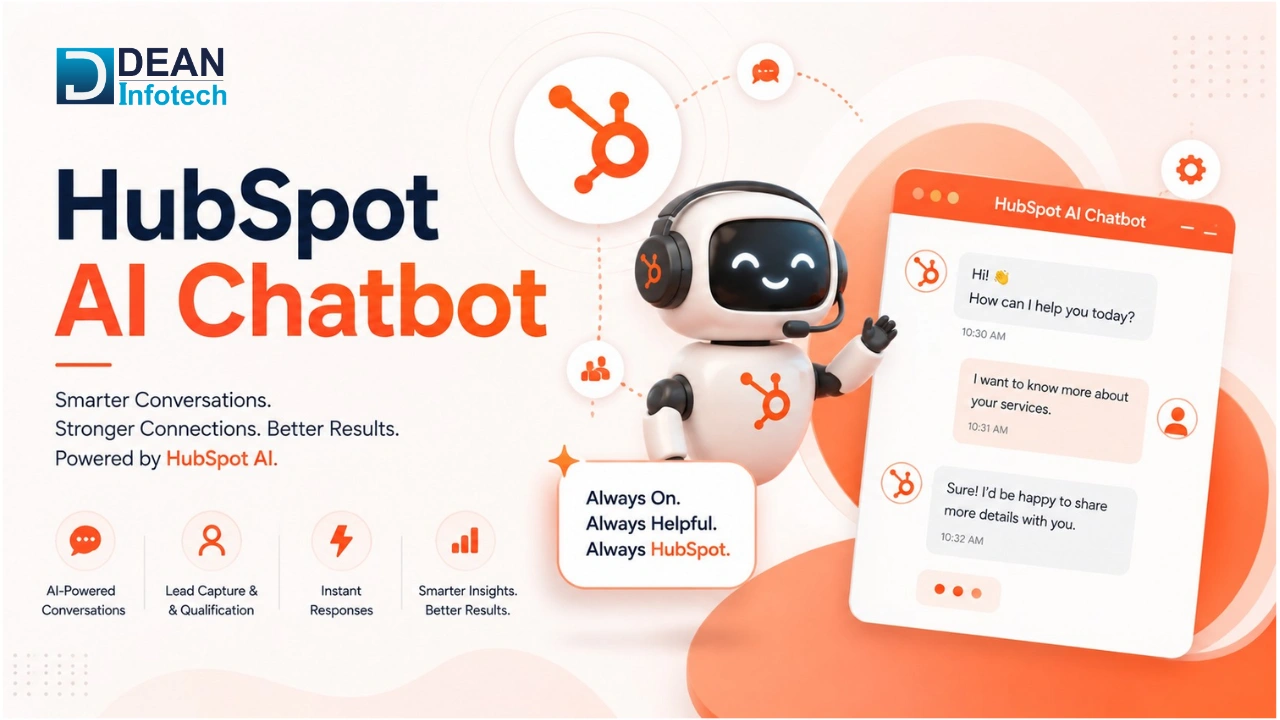
The new Breeze Customer Agent AI system significantly improves the chatbot. It’s not just a simple chatbot, it has powerful features of artificial intelligence. Hubspot has focused on developing a chatbot that can provide smarter answers, faster support and more powerful CRM integration.
- Natural conversations that are powered by artificial intelligence and understand the intent behind the message instead of predefined responses.
- Articles on the Help Center and authorized content with exact answers based on the integration with Knowledge Base.
- Personalized response depending on the data about contact, company, and deals in the CRM.
- Automatic lead qualification through collecting information about the visitor and directing potential customers to the proper salesperson.
- Arrange meetings via chat through the link to the HubSpot meetings.
- Human handoff allows escalating difficult conversations to the support or sales agent via chat without losing any conversation history.
- Chatbot no code builder with templates and drag and drop feature.
Where the Chatbot Fits Across the HubSpot Platform
The same chatbot engine plugs into three different HubSpot hubs, and what it does changes depending on which one it's sitting in. All three write back to the same CRM record, so a lead's chat history follows them from first visit to support ticket.
Marketing Hub: Lead Capture & Qualification
Here the bot talks to website visitors, answers whatever they're asking, and picks up contact details along the way. It runs those details against qualifying criteria you've set, then drops qualified leads straight into the CRM for nurturing.
Example: someone downloads an eBook. The bot asks a couple of follow-up questions, grabs their info, and enrolls them in the right email workflow no one on the marketing team has to touch it.
Sales Hub: Meeting Booking & Lead Routing
In Sales Hub, the job shifts to catching high-intent leads and getting them onto a rep's calendar fast. It checks territory or product interest and routes accordingly, so the lead lands with someone who can actually help them.
Example: a lead asks for a demo. The bot collects what the sales team needs to know, books time with the right rep, and logs the lead in HubSpot before the conversation even ends.
Service Hub: Ticket Deflection & FAQ Support
For support, the bot pulls answers straight from your Knowledge Base and tries to resolve things without a human. When it can't because the issue's more complicated or the customer's still stuck it opens a ticket and hands the whole conversation, transcript included, to a support rep.
Example: a customer asks how to reset their password. The bot serves up the Knowledge Base article on the spot, no ticket created. If that doesn't fix it, the conversation gets escalated with the full chat history attached, so the rep isn't starting from scratch.
How Much Does a HubSpot Chatbot Cost in 2026?
The short answer: anywhere from $0 to $150+ per seat a month, depending on whether you need basic chatflows or the AI-driven Breeze Customer Agent. HubSpot bundles chatbot access into its Service Hub tiers, and the free plan will get you live chat and rule-based bots but if you want anything that actually understands what a customer is asking, you'll need to move up to Professional or higher.
Plan | Pricing | What's Included |
Free | $0 | Rule-based chatbot, live chat, HubSpot branding, up to 2 users. No AI agent. |
Starter | $15–$20 per seat/month | Removes branding, adds basic automation, 500 HubSpot Credits included. No Breeze Customer Agent. |
Professional | $90 per seat/month + $1,500 onboarding | 3,000 monthly HubSpot Credits, access to Breeze Customer Agent. |
Enterprise | $150 per seat/month (10-seat minimum) + $3,500 onboarding | 5,000 monthly HubSpot Credits, Breeze Customer Agent, advanced enterprise features. |
A couple of things worth knowing before you pick a tier. First, Breeze runs on HubSpot Credits every AI conversation eats into your monthly allowance, and once you burn through it, you're buying more at roughly $10 per 1,000 credits. Second, the jump from Starter to Professional isn't just a price bump. It's the line between "chatbot that follows a script" and "chatbot that can actually qualify a lead or answer a real question."
If your needs stop at live chat or a basic FAQ bot, the Free plan does the job and there's no reason to pay more. But if you're trying to automate lead qualification or want conversations that feel less like a decision tree, Professional is where that starts Free and Starter simply doesn't include Breeze at all.
Which one makes sense really comes down to what you're already running. If HubSpot CRM is your system of record, the native bot plugs in without extra work. If you're juggling multiple CRMs or need something more customizable, a third-party tool might serve you better.
Feature | HubSpot AI Chatbot | Third-Party AI Bots |
CRM Integration | Native, built into HubSpot CRM | Needs third-party integrations or APIs |
AI Knowledge Source | HubSpot Knowledge Base, CRM, website content | Custom knowledge bases, external data |
Lead Qualification | Built in, updates CRM automatically | Available, but setup depends on platform |
Meeting Booking | Native HubSpot Meetings | Usually needs an external calendar integration |
Customer Support | Creates and manages HubSpot tickets | Depends on the platform |
Setup | No-code, drag-and-drop | Ranges from no-code to developer-built |
Best For | Teams already on HubSpot | Companies with multiple CRMs or custom workflows |
For businesses already living in HubSpot, the native bot is the easier call. Conversations sync across CRM, marketing, sales, and service on their own, so you're not stitching together extra integrations to make that happen. Third-party bots earn their keep when you need something HubSpot doesn't offer out of the box support across platforms it doesn't touch, deeper customization, or workflows that live outside the HubSpot ecosystem entirely.
Setting Up Your First AI Chatbot on HubSpot
You don't need a developer for this one. Breeze Customer Agent is built to be configured by whoever runs your marketing or support ops, using drag-and-drop tools instead of code.
Step 1: Check Your HubSpot Plan
Breeze Customer Agent only shows up on Service Hub Professional and Enterprise, so confirm you're on one of those before you go looking for it.
Step 2: Open Customer Agent
Go to Service > Customer Agent (some portals still show this under Conversations > Chatflows) and click Create Customer Agent.
Step 3: Connect Your Knowledge Sources
Point the AI at whatever it should pull answers from:
- HubSpot Knowledge Base
- Website pages
- Help Center articles
- Public documentation
The bot is only as good as what it's reading from, so if your Knowledge Base is out of date, that's the first thing to fix.
Step 4: Configure the Chatbot
This is where you set the welcome message, brand voice, supported languages, what info to collect from leads, and when to hand off to a human. All of it happens in the no-code builder no need to touch any settings outside HubSpot.
Step 5: Decide Where It Shows Up
You can limit the chatbot to specific pages, pricing, support center, product pages and target visitors by location, device, or where they are in the lifecycle. No reason to show a support bot to someone browsing your pricing page, for instance.
Step 6: Test It
Before you go live, run through common questions in preview mode. Check that meeting booking, lead capture, and human handoff all fire correctly. It's much easier to catch a broken workflow now than after a customer hits it.
Step 7: Publish
Once you're happy with it, publish and make sure your HubSpot tracking code is installed on the site. The bot will start appearing on whatever pages you selected in Step 5.
Step 8: Watch the Numbers and Adjust
After launch, check in on conversation volume, how often the AI resolves things on its own, lead conversions, and what questions it's failing to answer. Chatbots don't stay accurate on their own; the ones that keep working well are the ones someone keeps updating.
Conclusion
The HubSpot AI Chatbot isn't just answering FAQs, it's qualifying leads, booking meetings, resolving support questions, and logging all of it back to the CRM as it happens. Since it works natively across Marketing, Sales, and Service Hub, you're not bolting together separate tools to make it function.
If you're already on HubSpot, adding the chatbot is a fairly low-lift move. Start with a Knowledge Base that's actually current, keep an eye on how the bot performs once it's live, and adjust its responses as you learn what customers are actually asking.
Need expert help with your next project?
Get expert guidance across Salesforce, HubSpot, GoHighLevel (GHL), AI, and web development — tailored to your business.









Comments