
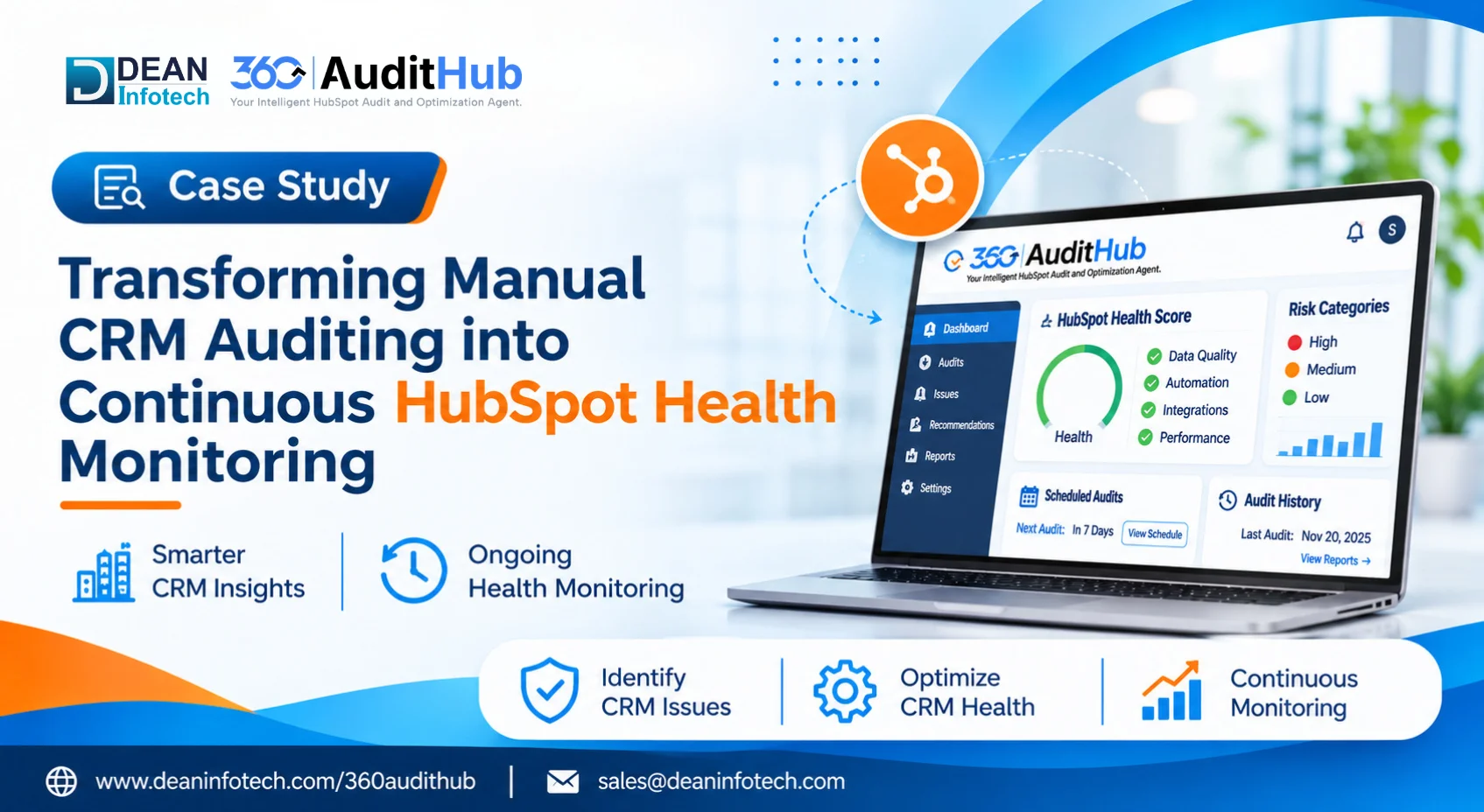
About the Client
The client is a mid-sized B2B software services company with around 150 employees and three regional sales teams. They had run HubSpot Sales Hub, Marketing Hub and Service Hub for roughly four years, and the portal had grown with them. It held dozens of active workflows, a long list of custom properties and several connected tools. One RevOps lead owned the portal. Every quarter, that person spent about a week exporting records, filtering spreadsheets and hunting for broken automation. Leadership wanted forecasts and attribution reports they could trust without that cycle. They needed to monitor HubSpot data quality all the time, not just during audit season.
The Challenges They Faced
The audit was thorough but slow, and it only described the past. The same problems kept coming back:
- Stale audit snapshots: Findings were outdated within weeks, so cleaned-up errors reappeared by the next cycle.
- Duplicate records: Overlapping contacts and companies split engagement history and inflated pipeline counts.
- Broken automation: Lead-routing and lifecycle workflows kept running against logic that no longer matched how the team sold.
- Configuration drift: Unused properties, permission gaps and inconsistent pipelines built up across all three hubs.
- No path from finding to fix: Audit results sat in a document, with no direct route to the records that needed attention.
Services We Offered
- HubSpot CRM audit and data quality assessment
- 360° AuditHub setup and configuration
- Scheduled audit and alert design
- Operations Hub workflow automation for remediation
- Dashboard design, team training and documentation
Solutions We Offered
- Baseline HubSpot audit: We ran a full first scan to set a starting CRM health score before changing anything.
- Module-level scoring: Sales Hub, Marketing Hub, Service Hub, workflows, automation and CRM data each received their own score, so the team knew where to focus first.
- Object-by-object checks: Contacts, companies, deals, tickets, properties and custom objects were audited separately, so an issue in one object couldn't hide inside a portal-wide average.
- Risk-based triage: Every finding was labeled Critical, Warning, Pass or Informational, with a plain-language recommendation attached.
- Scheduled audits: We set a weekly cadence so new issues surface on their own, with an email notification when each run completes.
- Record-level remediation: Each finding links back to the exact record, property or workflow. We followed a detect, locate, resolve and verify loop, and the next audit confirms the fix held.
- Reporting and trend tracking: Results export as PDF, Excel or CSV for stakeholders, while audit history shows how the score moves over time.
Technical Points Highlighted
Continuous monitoring only works when the checks are consistent and the results are easy to act on. Four design choices mattered most:
- Native HubSpot integration: The audit agent connects directly to the portal, so there are no exports or manual data pulls to maintain.
- Consistent severity model: One four-level risk scale across every check keeps priorities clear and stops alert fatigue.
- Recurring cadence: Weekly runs create a comparable history, which makes trends and repeat offenders easy to spot.
- AI-assisted pattern detection: Insights across findings pointed to root causes, such as a single web form without email validation feeding bad contact data.
Tech Stack Used
| Category | Technology |
| CRM Platform | HubSpot Sales Hub, Marketing Hub, Service Hub |
| Audit Agent | 360° AuditHub (HubSpot Marketplace app) |
| Automation | HubSpot workflows, Operations Hub |
| Monitoring | Scheduled audits, email notifications |
| Reporting | HubSpot dashboards, PDF, Excel and CSV exports |
Benefits
Moving to continuous HubSpot health monitoring changed how the team works with its data. The portal now gets small, regular fixes instead of one large clean-up each quarter.
- Earlier issue detection: Problems surface within days, before they reach forecasts.
- Less RevOps overhead: The audit week became a short review of the HubSpot portal health check dashboard.
- Clear priorities: Risk levels tell the team what to fix first.
- Proof of progress: Audit history shows leadership that cleanup work is paying off.
- Trusted reporting: Cleaner data makes pipeline and attribution numbers easier to defend.
Result
- 85% reduction in time spent on CRM auditing
- 62% drop in duplicate contact and company records within the first quarter
- 48% faster detection of workflow and data issues
- 41% rise in overall CRM health score, from 58 to 82
Conclusion
Manual audits will always lag behind a living CRM. Continuous monitoring makes data quality a daily habit, so reports stay reliable. If your portal is growing faster than your audit cycle, our HubSpot CRM audit services can show you where you stand. Our HubSpot consulting services team can also help you fix what the audit finds. Get in touch, and we'll help you move from yearly clean-ups to a CRM that stays healthy.








Comments