Start Salesforce automation with high-volume, rule-based, repetitive processes, such as lead routing, approval workflows, and data entry, because they deliver the fastest return with the lowest risk. Salesforce gives you several ways to automate, including Flow Builder, approval processes, and Einstein-powered tools (Process Builder is largely retired), but automating everything at once wastes budget, confuses teams, and can break workflows that already work. With 91% of organizations reporting that demand for automation from business teams has grown over the past two years , the real question is where to start. This guide shows how to identify which business processes are worth automating first, a simple framework to prioritize them, and ten high-impact use cases to begin with, whether you build in-house or work with a Salesforce development company.
Understanding Business Process Automation in Salesforce
Short Answer: Salesforce business process automation means using the platform's built-in tools Flow Builder, approval processes, Einstein-powered automation, and scheduled actions to carry out repetitive tasks without someone manually clicking through each step. Once a trigger fires (a new lead comes in, a deal stage changes, a case sits open too long), the system takes the next action on its own: assigning a record, sending an email, updating a field, or notifying the right person.
It helps to think of this in three tiers, each building on the last:
- Rules-based automation. Simple if/this-then-that logic thinks field updates, assignment rules, and scheduled reminders. This is where most orgs start, and it's usually the fastest to set up with Flow Builder.
- Process automation with branching logic. Multi-step workflows that route based on conditions, different approval paths for different deal sizes, for instance, or lead routing based on region and product interest.
- AI-powered automation. Einstein and generative AI layered on top of rules-based flows to handle things that need judgment, not just logic scoring leads by likelihood to convert, flagging at-risk accounts, or drafting follow-up emails based on context. If this is the direction you're headed, it's worth looking at what Salesforce AI solutions can actually support before you build around it.
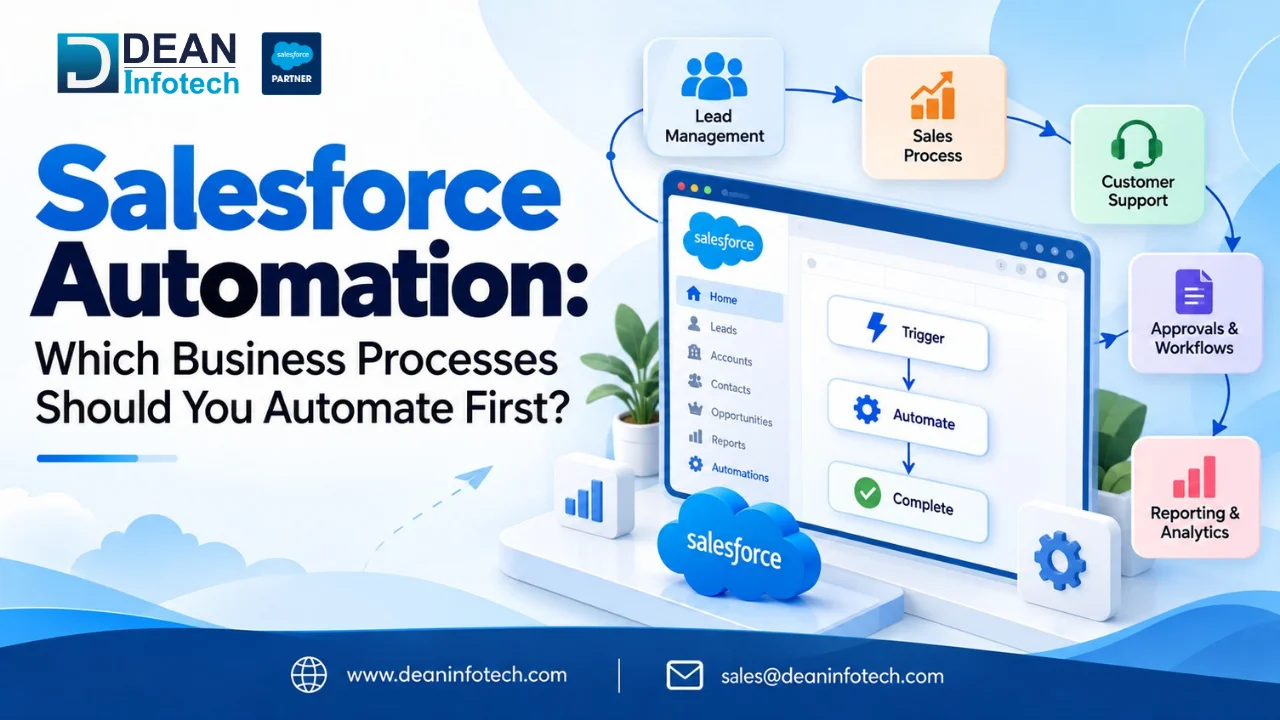
The distinction matters because most teams try to jump straight to tier three when tier one hasn't even been cleaned up yet. Get the basics automated and reliable first. The AI layer works better on top of a process that's already consistent.
How to Identify Which Business Processes to Automate First
Not every repetitive task deserves automation, and not every automation candidate is worth doing first. Before you touch Flow Builder, run each process through these questions:
- Is it repetitive and rule-based? If the steps are the same every time, it's a good fit. If it requires judgment call after judgment call, hold off that's a tier-three problem, not a tier-one one.
- Does it happen often enough to matter? A task done twice a year isn't worth automating, no matter how tedious it is. Look for daily or weekly friction.
- Where does it break today? Missed follow-ups, inconsistent data entry, delayed approvals these are the visible symptoms of a process that needs automating.
- Does it touch revenue or customer experience directly? Lead response time and case escalation move the needle faster than internal reporting cleanup.
- Can it be measured? If you can't track time saved, error reduction, or faster cycle times, you won't be able to prove the automation worked.
Talk to the people actually doing the task before you automate it. They'll tell you where the real bottleneck is faster than any dashboard will.
Automation Prioritization Matrix
Once you've got a shortlist, don't automate in the order they occur to you, automate in order of impact versus effort. A simple 2x2 matrix does the job:
| Low Effort to Build | High Effort to Build |
High Business Impact | Do first quick wins that free up time fast | Plan carefully worth it, but scope it properly |
Low Business Impact | Do later nice to have, no urgency | Skip or reconsider rarely worth the build cost |
Score each process on two axes: impact (how much time it saves, how directly it affects revenue or customer experience, how often it runs) and effort (how many systems it touches, how much custom logic it needs, whether it requires new data fields or integrations).
Processes that land in the top-left quadrant high impact, low effort are your starting point. Lead assignment and follow-up reminders almost always land here. Something like end-to-end quote-to-cash automation might have a high impact too, but it's a higher effort, so it belongs in phase two, not week one.
This is also where a lot of internal automation projects quietly stall teams pick the impressive, complex workflow first, spend months on it, and lose momentum before the easy wins ever ship. Start small, prove the value, then scale.
10 Business Processes You Should Consider Automating First in Salesforce
These are the processes that consistently score high-impact, low-effort on the matrix above a solid starting list whether you're automating in-house or working through Salesforce implementation services to get it right the first time.
1. Lead Assignment and Routing
Leads should not be left in a queue for some time until anyone notices them. The proper Flow Builder should be configured so that the proper rep could receive a new lead instantly upon arrival, by its location, product or lead scoring criteria.
2. Lead Nurturing and Follow-Up Sequences
Once the lead is assigned, automate the welcome email and follow-up sequence in response to that. This is where the automation of workflows from Salesforce comes in handy and the best reps don't use sticky notes anymore and every lead receives the same follow-up sequence independent of the lead owner.
3. Opportunity Stage Alerts and Reminders
Deals stall when nobody's watching them. Automated alerts for stale opportunities, big-deal notifications, and manager check-in reminders keep the pipeline moving without someone manually scanning reports every morning.
4. Account Re-Engagement Triggers
Set a trigger for accounts with no activity in 90 or 180 days. Instead of keeping a mental list of who's gone quiet, let Salesforce flag it and notify the account owner automatically.
5. Quote and Contract Generation
Entering the information related to opportunities manually in quotes is a lengthy process that involves errors. The process of creating quotes and contracts becomes faster when you automate them based on records.
6. Case Routing and Escalation
Support tickets should route themselves based on issue type and priority, with automatic escalation when a case sits open past its SLA. This is one of the highest-ROI automations for customer-facing teams.
7. Employee Onboarding Workflows
New hire in Salesforce? Automate account creation, group assignment, and a welcome post in Chatter so nothing gets missed especially useful as headcount grows and manual onboarding starts cracking.
8. Approval Processes for Discounts and Contracts
Rather than emails for discount approvals, automate the routing of approval requests based on the size of the deal or the percentage of the discount.
9. Renewal and Upsell Reminders
Reminders about the coming due dates for contract renewals or reaching the mark for upsells to be made should be automated prior to the deadline.
10. Reporting and Dashboard Refreshes
Scheduled report delivery and dashboard alerts mean leadership sees performance data on a set cadence, without someone manually pulling numbers every Monday morning.
Salesforce Automation Tools: Which One Should You Use?
Salesforce gives you several ways to automate, and picking the wrong one for the job usually means rebuilding it later. Here's where each tool actually fits.
Flow Builder is the current standard and effectively the only declarative option left. Salesforce retired Workflow Rules and Process Builder, with official support for both ending December 31, 2025, meaning anything still running on them gets no further bug fixes or updates. If you're building new automation, or still have legacy Workflow Rules or Process Builder processes in production, migrating to Flow isn't optional anymore, it's overdue. Flow supports record-triggered flows (before-save and after-save), screen flows for guided user input, and scheduled flows for batch-style jobs covering most of what the older tools did, plus multi-object logic and the ability to call Apex or external services.
Approval Processes still exist as a separate, purpose-built tool for multi-step sign-off chains, discount approvals, contract sign-off, and expense requests. You can technically replicate this in Flow now, but for straightforward sequential approvals, the native Approval Process tool is usually still the faster build.
Einstein and Agentforce (AI-powered automation) sit on top of your rules-based layer. Einstein Lead Scoring, Einstein Next Best Action, and Agentforce agents handle the judgment-based work prioritizing leads, recommending next steps, drafting responses that plain if/then logic can't. This is where Salesforce CRM automation starts overlapping with generative AI, and it's worth getting a proper technical assessment before building here, since AI-driven automation depends heavily on clean, well-structured data underneath it. This is a common gap Salesforce automation consulting engagements are brought in to close.
MuleSoft and API-based integrations come into play when automation needs to cross system boundaries syncing Salesforce with an ERP, finance tool, or external inventory system. Flow can call external services directly for simpler needs, but for anything high-volume or bidirectional, a proper integration layer is usually more stable long-term.
Rule of thumb: start in Flow Builder for anything within Salesforce, reach for Approval Processes for structured sign-offs, and only bring in AI or external integrations once the underlying process is already automated and reliable.
Common Salesforce Automation Mistakes to Avoid
- Automating a broken process. If the workflow itself is inefficient, automation just makes the mess happen faster.
- Skipping the data cleanup. Bad or duplicate data breaks triggers and produces automations that fire on the wrong records.
- Building too many flows on one object. Overlapping record-triggered flows on the same object cause conflicts and unpredictable execution order.
- No error handling. A flow that fails silently is worse than no automation at all, always building fault paths and notifications.
- Ignoring governor limits. Bulk operations and loops inside flows can hit Salesforce's processing limits if not designed with scale in mind.
- Forgetting user adoption. Automation that changes how people work needs training and buy-in, not just a deployment.
- Never auditing old automation. Flows built two years ago for a process that no longer exists still run quietly in the background and clean them up regularly.
Most of these come down to one thing: automation amplifies whatever process it's built on, good or bad. Get the process right first.
Conclusion or Key takeaway
There's no shortage of things you could automate in Salesforce. The real skill is picking the few that actually move the needle first lead routing, follow-up sequences, opportunity alerts, case escalation and building those well before expanding into anything more complex. Salesforce automation best practices almost always come back to this: start small, prioritize by impact and effort, fix the process before you automate it, and expand only once the first win is proven.
If your org still has Workflow Rules or Process Builder processes hanging around, that migration to Flow is worth prioritizing too not just for new automation, but to avoid running unsupported logic in production.
Whether you're planning your first automation or untangling years of accumulated flows, getting it right the first time saves you from rebuilding it later. That's true whether you handle it in-house or bring in outside help:
- Need a full rollout, not just a few flows? Our Salesforce implementation services team can scope, build, and deploy automation across your org.
- Already automating the basics and ready for AI-driven decision-making? See what's possible with Salesforce AI solutions.
- Want a partner who's built this before, across industries and org sizes? Meet the team at Dean Infotech.
Talk to a certified consultant, get an honest read on where your org stands, and walk away with a prioritized automation roadmap not just a list of ideas.
Need expert help with your next project?
Get expert guidance across Salesforce, HubSpot, GoHighLevel (GHL), AI, and web development — tailored to your business.









Comments