Walk into any Salesforce planning meeting and this question comes up fast: build it ourselves, or install something off the shelf? It sounds like a small decision. It isn't. Get it wrong and you either overpay for a custom build nobody needed, or you're stuck stretching a rigid pre-built app to cover a process it was never designed for.
Salesforce app development covers both ends of that spectrum, from clicking together a solution with Flow and Lightning App Builder, to writing custom Apex and Lightning Web Components from scratch, to simply installing something ready-made. And there's no shortage of ready-made options: nearly 6,000 apps are available on the Salesforce AppExchange today, with several hundred new additions and new developers joining the marketplace in the past year alone, according to Smartbridge's 2026 AppExchange roundup.
That volume is exactly why the custom-vs-pre-built decision has gotten harder, not easier. More choice means more ways to pick wrong. This guide breaks down what each approach actually means, when to reach for one over the other, and whether you even have to choose, because sometimes the smartest move, as teams working with a Salesforce development company often find, is combining both.
What Is Salesforce App Development?
Short Answer: Salesforce app development is the process of building applications on the Salesforce platform, either by configuring what's already there or by writing custom code on top of it. It covers everything from a simple custom object with a Lightning page, to a fully custom app built with Apex and Lightning Web Components, to installing a finished product from the AppExchange.
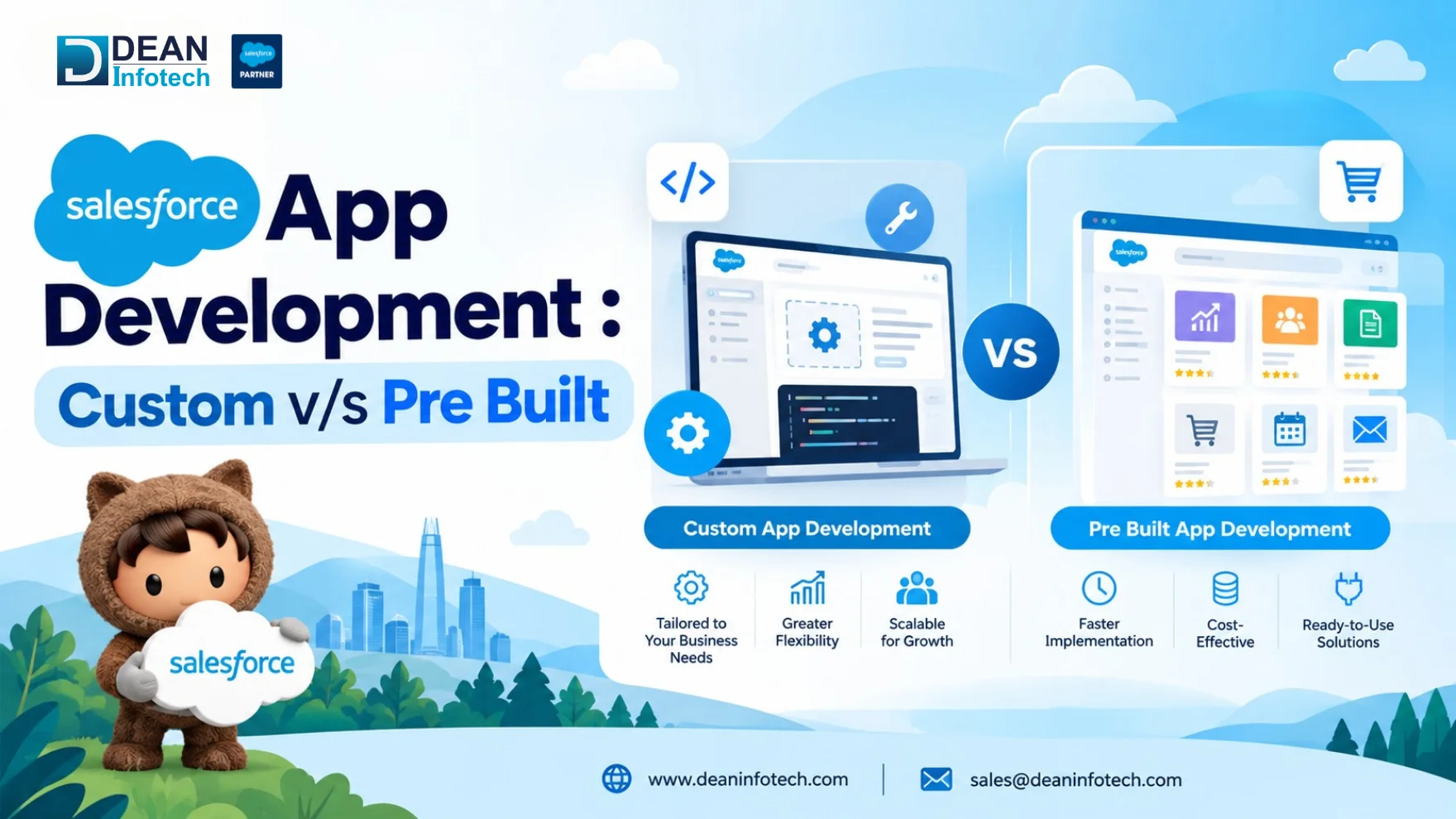
There are three broad approaches, and most teams end up using a mix of all three:
Declarative (no-code/low-code). Tools like Lightning App Builder, Flow, and custom objects let you build real functionality by clicking, not coding. This is the fastest and cheapest route, and it should usually be your starting point before reaching for a developer.
Programmatic (custom code). When the logic gets too complex for clicks, Apex handles the server-side business rules and Lightning Web Components build the interface. This is where true Salesforce custom app development lives, and it's what gives you full control over exactly how the app behaves.
Pre-built (AppExchange). Instead of just building anything in the Salesforce, first you should install an app that already solves your problem. This trades some flexibility for speed, since someone else has already built, tested, and supported it.
The label people use for this work varies. Salesforce application development, Salesforce CRM development, and Salesforce custom app development all describe roughly the same craft, just with different emphasis on whether code is involved. What matters more than the terminology is matching the approach to the problem. A unique, business-critical process usually earns custom development. A common, well-understood need is often already solved on the AppExchange. The rest of this guide breaks down exactly where that line sits.
What Is Custom Salesforce App Development?
Short Answer: Salesforce custom app development means building an application from the ground up, on top of the Salesforce platform, using Apex for backend logic and Lightning Web Components for the user interface. Instead of adapting your process to fit an existing tool, the app is shaped entirely around how your business actually works.
This is the route teams take when their requirements are specific enough that no off-the-shelf product covers them well. For instance, the logistics company monitoring stages of custom shipments, the healthcare company handling custom workflows according to the specific state, and the manufacturer synchronizing three different ERPs are some examples of applications that fit perfectly for a custom-build solution. This is because the process is essentially what drives the business forward.
What custom development typically involves:
Data modeling first. Custom objects, fields, and relationships get mapped out before any code gets written, since the data model is the foundation everything else sits on.
Apex for logic. Triggers, batch jobs, and complex validation rules that declarative tools genuinely can't handle.
Lightning Web Components for UI. Fast, modern interfaces tailored to exactly how your users need to work, including inside the Salesforce mobile app.
Integration through APIs. REST or SOAP APIs connect the custom app to whatever external systems it needs to talk to.
The tradeoffs are real. Custom development costs more upfront, takes longer to ship, and puts you on the hook for ongoing maintenance, bug fixes, and security patches. Teams also need to design around Salesforce's governor limits from day one, since code that works fine in a demo can fail under real production load if it wasn't built to scale.
That's usually where a specialist team earns its keep. If you're evaluating whether a process is complex enough to justify this route, it's worth talking to a team that does custom Salesforce app and cloud development regularly, since they'll recognize the pattern faster than an in-house team building their first one.
What Are Pre-Built Salesforce Apps?
Short Answer: Pre-built Salesforce apps are ready-made applications available on the Salesforce AppExchange, built either by Salesforce itself or by third-party vendors, designed to install directly into your org and solve a common business need without writing a line of code. Think e-signature tools, data quality checkers, marketing integrations, or industry-specific add-ons for healthcare, real estate, or financial services.
The appeal is speed. Instead of scoping, building, and testing a solution over weeks or months, you install an app that's already been through Salesforce's security review process, already has real customer reviews, and is often running in production at thousands of other companies. For a common, well-understood problem, that's hard to beat.
What makes pre-built apps a strong option:
Fast deployment. Most apps can be installed and configured in days, not months.
Already tested at scale. Apps go through Salesforce's AppExchange security review before listing, and public ratings give you a real signal on reliability.
Ongoing support built in. Updates, bug fixes, and new features come from the vendor, not your internal team.
Lower upfront cost. You're paying a subscription instead of funding a full build from scratch.
Where they fall short:
Limited customization. Your process may be incompatible with how the application is supposed to be used. It leaves you no choice but to adapt your process to the application.
Integration gaps. Some apps don't connect cleanly with existing systems or other installed packages.
Recurring cost. Subscription fees add up over time, especially as user counts grow, and can eventually rival what a custom build would have cost.
Pre-built apps make the most sense for standard, non-core functions, the parts of your business that look roughly the same as everyone else's. If you're weighing whether an AppExchange app actually fits your requirements or whether it needs custom work layered on top, it's worth getting an honest read from a team that handles Salesforce AppExchange development day to day, rather than guessing based on the app's marketing page.
Custom Salesforce App Development vs Pre-Built Apps
Here's how the two approaches stack up side by side, across the factors that actually matter when you're deciding.
| Factor | Custom Salesforce App Development | Pre-Built Salesforce Apps (AppExchange) |
| Cost | Higher upfront investment; cost scales with complexity | Lower upfront cost, but recurring subscription fees add up over time |
| Customization | Fully tailored to your exact process and data model | Limited to what the app's configuration options allow |
| Implementation Time | Weeks to months, depending on scope | Days to a few weeks in most cases |
| Integrations | Built to connect with your specific systems from the start | May integrate well or poorly depending on the vendor |
| Scalability | Designed for your future roadmap, if built correctly | Depends on the vendor's product roadmap, not yours |
| Security & Maintenance | Your team owns updates, patches, and ongoing upkeep | Vendor handles updates, patches, and security fixes |
| Support | Whatever SLA your development partner offers | Vendor support, often tiered by subscription level |
| Best Fit For | Unique, core, business-critical processes | Common, well-understood, non-core functions |
A quick way to use this table: if a requirement is unique to how you operate and directly tied to your competitive advantage, custom development usually wins even at higher cost. If it's a function most businesses handle roughly the same way, like e-signatures or basic email validation, a pre-built app almost always makes more financial sense.
One factor worth stress-testing before deciding on cost alone: run the numbers over a three to five year horizon, not just year one. Subscription costs compound as user counts grow, while a well-built custom app's maintenance cost tends to stay flatter and more predictable.
When to Choose What
If you're still unsure after the table, here's the short version.
Choose pre-built when:
It’s a very common task and all companies follow the same pattern (electronic signatures, simple data validation, simple integrations).
Time-to-market is more important than an ideal match.
The budget is limited and a monthly payment plan is fine.
It’s not the key feature of your competitive edge.
Choose custom when:
The process is genuinely unique to how you operate
No AppExchange app covers more than 70 to 75% of what you actually need
The workflow is tied directly to revenue, compliance, or competitive edge
You need full control over the data model, UX, or long-term roadmap
A simple test: list your must-have requirements, then check how many an AppExchange app can realistically satisfy out of the box. If it clears most of that list, install it and move on. If it's covering less than three-quarters of what you need, you're better off building, because the time spent forcing a mismatched tool to fit usually costs more than building it right the first time.
Can You Combine a Pre-Built App With Custom Salesforce Development?
Yes, and in practice, this hybrid approach is more common than picking one path exclusively. Most mature Salesforce orgs aren't purely custom or purely off-the-shelf. They're a mix, built up over time as different needs came up.
A few ways this plays out in real orgs:
Install an AppExchange app, then extend it. A team installs a pre-built document generation or e-signature app, then adds custom Apex triggers or Lightning Web Components on top to fit it into their specific approval workflow. The app handles the heavy lifting; the custom layer makes it fit your process exactly.
Buy for non-core, build for core. A logistics company might install a standard AppExchange app for expense tracking (non-core, well-solved already) while custom-building their shipment tracking system (core, unique, and the actual reason they're on Salesforce).
Use AppExchange for speed now, custom-build later. Some teams install a pre-built app to get moving fast, then replace it with a custom solution once the process matures and the requirements get specific enough to justify the investment.
The mistake to avoid is treating this as a one-time, permanent decision. What starts as "we'll just use the AppExchange app for now" often needs light custom work within a year, as edge cases pile up that the vendor's app wasn't built to handle. Planning for that from the start, rather than being surprised by it, is usually the difference between a smooth extension and a rebuild.
This is also where working with a team that does both well pays off; someone who can install and configure AppExchange apps and write custom Apex and LWC on top of them, rather than a team that only knows one side of the equation.
Questions to Ask Before Choosing a Salesforce App
Before committing to either path, run your decision through these questions:
How much of my requirement does an AppExchange app actually cover?
What does this cost over three to five years, not just today?
Is this process core to how we compete, or something everyone handles the same way?
How fast do we actually need this live?
Who owns security, updates, and maintenance going forward?
Will this need to scale or change significantly in the next two to three years?
Do we have the internal expertise to evaluate this properly, or do we need outside input?
Answer these honestly before you commit, and the custom vs. pre-built decision usually becomes obvious on its own.
Conclusion
There's no universally right answer to custom versus pre-built. The right call depends on how unique your process is, what it costs over a multi-year horizon, and how fast you need it live. A common, well-solved function belongs on the AppExchange. A process that's core to how you compete usually earns the investment of a custom build. And for most growing orgs, the real answer ends up being both, pre-built where it makes sense, custom where it matters most.
What matters more than picking the "perfect" approach on paper is getting an honest assessment before you commit, since the cost of guessing wrong is almost always higher than the cost of asking the right questions upfront.
If you're weighing this decision for your own org, Dean Infotech can help you make the call with a clear head, not a sales pitch:
Thinking about building something from scratch? Our Salesforce custom app and cloud development team can scope it, build it, and support it long-term.
Evaluating an AppExchange app or need help extending one you've already installed? See how our Salesforce AppExchange development services fit in.
Not sure which path is right yet? Talk to Dean Infotech for an honest technical read on your requirements before you spend a rupee on either path.
Get the decision right the first time, and you won't be revisiting it in a year.
Need expert help with your next project?
Get expert guidance across Salesforce, HubSpot, GoHighLevel (GHL), AI, and web development — tailored to your business.









Comments