If you just went to look for HubSpot Commerce Hub and found yourself on something called Revenue Hub, you’re definitely in the right place. HubSpot retired Commerce Hub on June 16, 2026 and replaced it with HubSpot Revenue Hub .
Nothing you depended on went away. Quotes, payment links, subscriptions, your Stripe or HubSpot Payments connection they all come over as-is. What's new: Contracts, a deeper layer of AI via Breeze, and a change in framing from "commerce" (a transaction that closes) to "revenue" (a relationship that runs through renewals, upsells, and contract changes). It is also not as abrupt as it seems. Payments in 2021. Billing in 2023. AI-based CPQ at INBOUND 2025. It all came together under one name in June 2026.
In this HubSpot Revenue Hub review, we’re going to cover the features and pricing of this platform, and if it’s worth adopting today. And if you get halfway through and realise your setup needs more hands-on work than a self-serve rollout, that's usually the point where teams bring in a HubSpot Revenue Hub consultant instead of configuring it themselves.
What Is HubSpot Revenue Hub?
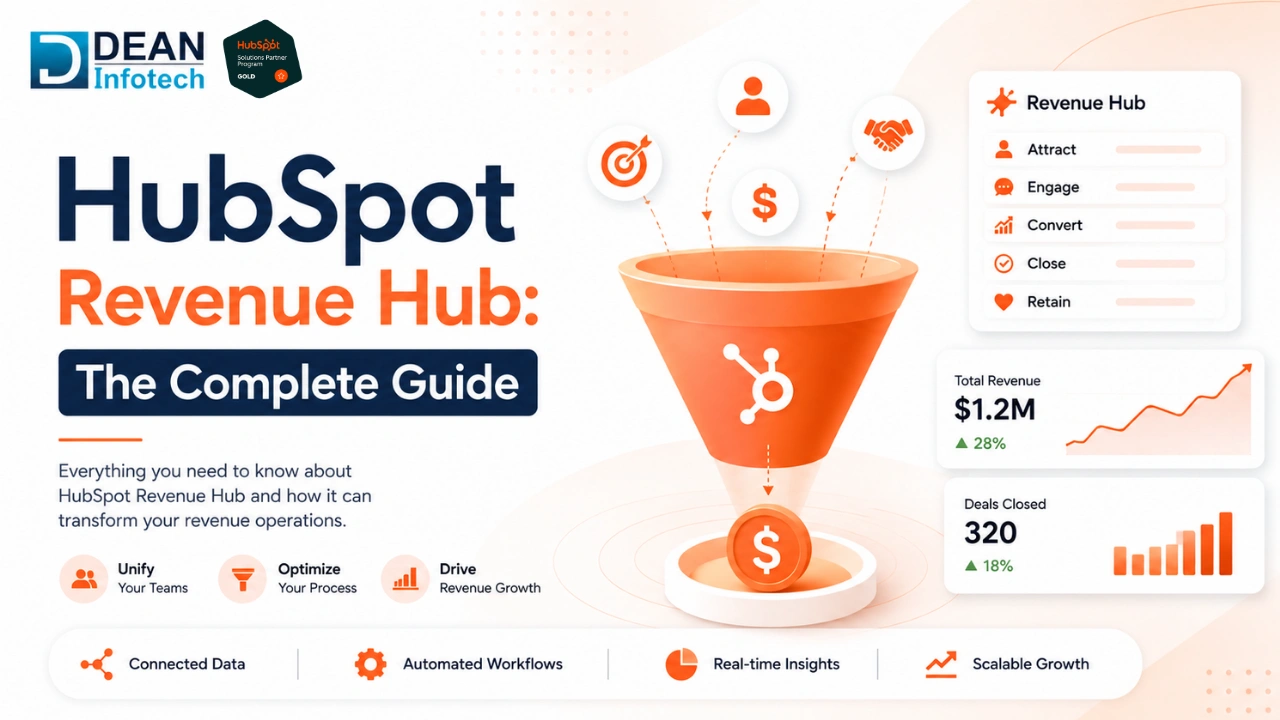
HubSpot Revenue Hub is HubSpot’s quote-to-cash system: an AI-powered CPQ, billing and payments product that lives inside your CRM, rather than off to the side as a separate tool. It handles quoting, contracts, invoicing, and payment collection, and it’s all on the same customer data as your deals, contacts, and tickets.
That last part is really the heart of it. Who is the buyer, what have they requested, what stage they are in. Most businesses already have their customer relationship tracked in HubSpot. But the financial aspects of that relationship, what they bought, what they owe, when they renew typically exist somewhere else entirely. Billing tool. Excel Spreadsheet.
It replaced Commerce Hub in June 2026, but it's designed to supplement your existing finance stack—not replace it. If you use NetSuite, SAP or another ERP for managing your finances, Revenue Hub connects to it instead of leaving it behind.
How Revenue Hub Pillars
Revenue Hub isn't one single feature. It's six connected pieces, and each one solves a specific gap that used to force teams into separate tools.
Quotes:
Reps produce quotes directly from the deal record. Instead of writing one from scratch, they describe what they’re quoting in plain language and Breeze, HubSpot’s AI, writes it. Templates keep formatting consistent across the team. , and a one-page editor prevents you from having to flip screens to change pricing or line items. There is also a rules engine under every quote: pricing thresholds, product compatibility checks, discount limits so reps cannot accidentally send something that violates policy. The quote is interactive from the side of the buyer. They can review, sign and pay from the same page, no waiting for a rep to walk them through it.
Invoices
After a quote is executed, the invoice is created automatically. Line items and pricing are pulled directly from the quote, so there’s no retyping and no mismatch between what was promised and what gets billed. Automated reminders track overdue invoices, and Breeze layers on top of that by prioritising which overdue accounts to follow up on first, based on risk signals, account age and deal value, so a rep’s time is spent on the accounts that actually need a human.
Payment links
Payments live in the same flow as quoting and invoicing, not sending buyers to a separate checkout experience. A link can be sent on its own or embedded right in a quote or invoice. Supported payment methods include cards, ACH, SEPA, BACS, Apple Pay and Google Pay processed via HubSpot Payments or a connected Stripe account. Once a customer pays, the record updates immediately in HubSpot, no reconciliation required.
Subscription
Revenue Hub automates recurring billing. Subscription management keeps track of what is owed and when, automatically retries failed payments, and stays in sync even when a customer’s plan changes mid-contract. What gets paid for is what gets billed, so upgrades, downgrades and amendments flow through without anyone manually updating a spreadsheet.
Contracts (new with Revenue Hub)
This is the piece that Commerce Hub never had. When a quote is signed, it automatically creates a record in the contract, pulling in the deal, the contacts, the company, and all line items and invoices related to that customer. Then the contract is the record of the whole relationship, not just the sale. The renewal, change and termination all exist as actions on that same object. When a renewal triggers, HubSpot automatically creates a new deal for it. That’s why Revenue Hub can talk about a customer’s entire life cycle, not just a single transaction.
Configure Price Quote (CPQ)
CPQ is the engine that connects quoting. There’s a product library, you can hold pricing and you can automatically assign price books to deals based on filters such as region or customer segment. Tiered pricing, quantity rules and approval workflows (standard or multi-step, depending on deal complexity) all run in the background so reps don’t second guess if a quote needs to sign off before it goes out. This is what allows for accurate quotes for those dealing with complex catalogues or bundled products without a rep having to manually check every rule.
The AI Layer: Breeze Assistant and Revenue Agents
Most tools just bolt AI on top of existing data and call it a feature. Revenue Hub does something a little more foundational: it builds a unified revenue context (HubSpot calls it Growth Context) that makes the AI layer actually useful, because the agents aren’t guessing from partial information.
Breeze Quote Generation
This is the part that reps are directly dealing with. Instead of building a quote line by line, a rep just describes what they’re quoting in plain language, and Breeze pulls in pricing, product details, and applicable rules from the deal record and drafts it. No spreadsheets. No tool switching. No copying numbers from one system to another, manually.
Breeze Closing Agent (beta)
When a quote is issued, the Closing Agent takes the buyer-facing side of it. It answers questions the buyer has about the quote in real-time, 24/7, with no rep needing to jump in. The aim is to shorten the time between sending a quote and getting it signed, especially on deals that stall because no one was available to answer a question at the right moment.
Customer Agent (beta)
This one is for invoicing questions after the sale. It can reply back in chat, email or WhatsApp and resolve things like “what’s my invoice status” or “can I update my payment method” without needing a rep or someone from finance. HubSpot’s own data on this suggests strong resolution rates without human involvement, which is most important for the repetitive, low-complexity questions that otherwise take away from support time.
Revenue Agent autonomous collections (private beta)
The most sophisticated of the four at this point, still in private beta. The Revenue Agent automates end-to-end collections, flagging overdue invoices, prioritising which accounts to chase first, based on signals like account age and deal value, and following up automatically. Teams still manage exceptions and the hard conversations, but the normal chasing that was once on someone’s task list is now done without someone having to start it.
All four follow the same pattern. They all see the same customer and revenue data, so no one is looking at a partial picture. That's also why data quality is more important here than in a typical software rollout, because these agents are only as reliable as the records they are pulling from.
Pricing Model: Revenue Hub
Revenue Hub is priced in three tiers, Free, Professional and Enterprise, with CPQ being the main differentiator between the cost of these tiers. None . The billing tools are free to use with no added monthly fee through August 2026 . After that , a new pricing model kicks in . Payments are made on a per-transaction fee basis regardless of tier , so there is no added monthly cost to collect money . Worth noting upfront: the numbers below reflect launch pricing and are subject to change, so it’s a good idea to confirm current figures directly with HubSpot when budgeting.
| Feature | Free | Professional | Enterprise |
| Starting price (US) | $0/mo | $95/seat/mo (billed annually) | $140/seat/mo (billed annually) |
| Starting price (India) | ₹0/mo
| ₹7,087/seat/mo (billed annually) | ₹11,700/seat/mo (billed annually) |
| POPULAR FEATURES | Invoices Payment links Subscriptions | Single-page quote editor AI-generated quotes feature available Quote templates Quote workflows E-signature Tiered pricing Automated sales tax Quote reporting Standard quote approvals | Everything in Professional Advanced quote approvals E-signature (50/user/month) |
| Credits | – | 3,000 HubSpot Credits | 5,000 HubSpot Credits |
Built for Any Revenue Team
Revenue Hub isn’t a single-department tool that everyone else has to work around. Sales closes faster Customer Success catches renewals before they slip Finance and RevOps stop reconciling two sets of numbers at month end. Here’s how each team is affected:
Sales
Reps spend less time switching between a quoting tool, a pricing spreadsheet, and whatever system tracks approvals, and more time actually selling. Quotes are built right off the deal record, pricing and product rules are applied automatically, and buyers can review, sign, and pay without an email chain back and forth. The faster a rep can get an accurate quote out, the sooner a deal has a shot at closing and that compounds across a full pipeline.
Also Read : How AI Is Transforming HubSpot RevOps Workflows in 2026
Success of Customer
In the past, CS teams have had to have renewal conversations without full visibility into contract terms or payment history, making it difficult to spot an at-risk account before it’s already too late. CS has contracts and billing data sitting right there with the customer relationship, so they can see what’s been sold, what’s overdue and what’s coming up for renewal without having to ping another team for the answer. And that visibility allows Breeze to automatically flag expansion opportunities and at-risk renewals, rather than waiting for a rep to notice it after a customer brings it up.
Finance & Revenue Operations
That’s where the pain of fragmentation used to be the worst. Previously, the RevOps team had spent hours a month reconciling what was sold vs. what was billed, because the two systems didn’t talk to one another. Finance has manually chased invoices and built reports from incomplete data. Revenue Hub lets you bill what you sell, automatically. Revenue data feeds real-time reporting instead of a manual close-of-month exercise. Less time spent reconciling is less time not generally trusting the numbers.
Conclusion: Time to Move or to Wait?
There is no terrible migration. This isn’t a rip-and-replace decision, it's an upgrade to a hub you probably already have. The real question is whether you’re positioned to derive value from it immediately, or whether you’re going to spend the first few months playing catch-up on data hygiene.
Teams that take this early treat, treat the rename as an opportunity to audit their revenue operations, where deals stall, where renewals slip, where finance and sales work from different numbers, and configure Revenue Hub around those specific gaps. This is especially important with the AI layer. Breeze, the Closing Agent and Revenue Agent all work from the same unified data, so having clean records now means these agents will have something reliable to work off of as we head toward general availability.
HubSpot Revenue Hub is built for growing software and services teams that are already using HubSpot. What determines the outcome is how well your data and process is set up to use it.
That’s where Dean Infotech steps in. We are a HubSpot Revenue Hub consultant and offer complete HubSpot Revenue Hub implementation services, CPQ setup, billing architecture, and clean onboarding so your team doesn't have to learn the platform and fix data problems simultaneously. Thinking about working with a HubSpot implementation partner? Reach out and we’ll walk you through what proper setup really looks like.
Need expert help with your next project?
Get expert guidance across Salesforce, HubSpot, GoHighLevel (GHL), AI, and web development — tailored to your business.









Comments