Ask a service manager how customers feel right now, and you’ll often get a shrug followed by a promise to check. The answers exist. A few sit in an inbox. A handful are in a spreadsheet. Some are in a survey tool nobody has opened since spring.
That’s the real problem with feedback. It rarely goes missing. It just ends up in places your team doesn’t work.
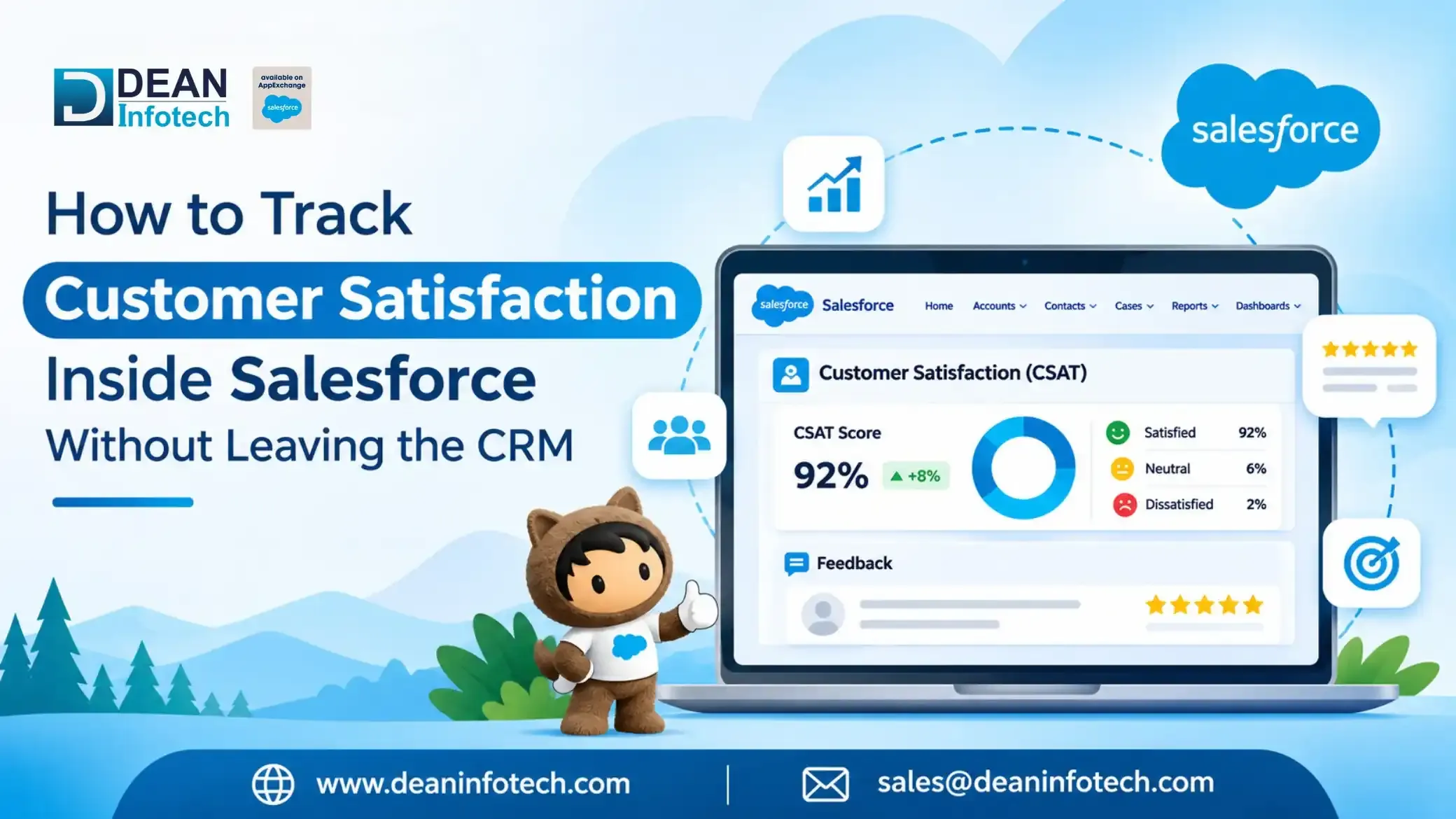
This post shows how to track customer satisfaction inside Salesforce, so scores sit next to the accounts, contacts, and owners they belong to. We cover why Salesforce Customer Satisfaction Tracking matters, where feedback processes tend to break, and the practices that fix them. Then we show how an Automated CSAT Survey in Salesforce takes over the sending, reminders, and reporting.
The app we use as an example is the Automated CSAT Survey, built by Dean Infotech and listed on the Salesforce AppExchange.
Why Tracking Customer Satisfaction Matters for Businesses
Short answer: CSAT, or customer satisfaction score, shows how happy customers are with a specific interaction, product, or service. It comes from a short survey, usually rated 1 to 5. You divide the satisfied responses (4s and 5s) by all responses, then multiply by 100.
The calculation divides satisfied responses, meaning ratings of 4 or 5 on a 5-point scale, by total responses and multiplies by 100. If 160 of 200 customers rate you a 4 or 5, your CSAT is 80%.
CSAT isn’t the same as Net Promoter Score. NPS asks how likely someone is to recommend you, which says more about the overall relationship. CSAT asks how they felt about one thing, such as a support interaction or a delivery. That’s why it works well for service and sales teams who want to know how a particular touchpoint went.
The number matters less than what you do with it. In Salesforce’s fifth State of the Connected Customer report, 88% of customers said the experience a company provides is as important as its products or services. The survey ran from late 2021 to early 2022, so treat the exact figure as a snapshot. The direction is what counts. Buyers judge you on what it’s like to deal with you, not only on what you sell. salesforce
Tracking satisfaction regularly gives you things instinct can’t. You see which teams, products, or months are slipping before it turns into churn. You catch a bad run of cases early. And when someone says things are fine, you have data to back it up or push back on it.
Where you track it matters too. When scores live in Salesforce, they connect to the account, the contact, and the rep or agent behind the interaction. Salesforce CSAT Survey data stops being a separate report and becomes part of the record your team already opens every day.
Common Challenges of Managing Customer Feedback
Most teams don’t fail at asking for feedback. They fail at doing it the same way twice.
Surveys go out late, or not at all
When someone has to remember to send each survey, some get skipped. Busy weeks are exactly when it happens. You end up with a score built from whichever customers were easiest to reach.
Feedback sits in too many places
Email replies, spreadsheet exports, a standalone survey tool. Pulling them together before a review takes hours, and the data is stale by the time it’s ready. Customer Feedback Management in Salesforce should mean one place to look, not four.
Customers don’t answer, and nobody follows up
People are busy. One survey email gets buried. Without a reminder, response rates drop, and a small sample can swing your score in either direction.
Results are hard to read
Raw responses don’t tell a manager much. Without reports that group scores by team, period, or account, feedback turns into a pile of comments that get skimmed once.
Opt-outs get ignored
Customers who don’t want survey emails should be able to say so easily. If your process can’t honor that, you risk annoyed customers, and possibly regulatory trouble depending on where they are.
Best Practices for Building an Effective Customer Feedback Process
Good feedback programs are a little boring. They run on a schedule and ask the same thing the same way. Here’s what holds up.
Short answer: An effective feedback process uses one rating scale, asks soon after the interaction, stays short, sends one or two reminders, stores responses in the CRM, and gives someone ownership of low scores. Automation keeps all of it consistent.
Use one scale and keep it
Pick a 1 to 5 scale and count 4 and 5 as satisfied. If you change scales halfway through the year, your trend line stops meaning anything.
Ask while the experience is fresh
A survey that arrives weeks after a case closes gets vague answers, or none. Decide how long after the interaction to send, and stick to it.
Keep it short
One rating and an optional comment box beats ten questions. Every extra question costs you responses.
Remind once or twice, not five times
A gentle reminder to people who haven’t answered lifts response rates. Past a second reminder, you start to irritate people.
Store responses on the record
Feedback is most useful next to the account and contact it belongs to. When responses live in Salesforce, you can filter by owner, product, or account type without exporting anything.
Assign someone to low scores
A 2 out of 5 with no follow-up is a missed chance. Decide who owns each low response and how quickly they should act. Then review the full results on a set schedule. Monthly works for many teams.
Honor opt-outs
Give every customer an easy way to stop receiving surveys, and respect it every time.
Pick tooling that fits what you need
Salesforce has native options. Salesforce Surveys is built in, and Feedback Management licenses add capabilities such as CRM personalization, data mapping, and customer journey tracking. These are available for Enterprise, Unlimited, and Developer editions. Check which license covers what you need before you commit. If your needs are narrower, such as scheduled sending, reminders, and reports, an AppExchange app may cover them.
How Automated CSAT Survey Simplifies Customer Feedback Management in Salesforce
Short answer: The Automated CSAT Survey is a Salesforce app from Dean Infotech. It sends CSAT surveys on the dates you set, reminds customers who haven’t responded, stores every response in a custom object in Salesforce, and gives you reports. It’s Salesforce Survey Automation that runs without leaving the CRM.
The Automated CSAT Survey is a managed package built by Dean Infotech. It works for service and sales teams alike, so you can use it in both Service Cloud and Sales Cloud, and the survey runs within Salesforce. Here’s how it covers each problem from earlier.
Templates you set up once
You build survey templates and email templates to match your wording and your brand. After that, the same template runs every time. Your Salesforce CSAT Survey stays consistent whether it’s sent in March or November.
Sending on the dates you set
Surveys go out based on the dates you configure. Behind the scenes, the app uses Apex classes, email alerts, and batch processing, so delivery doesn’t depend on someone remembering. That’s what Customer Feedback Automation should do. The survey leaves on time, every time.
Reminders that don’t nag
A built-in reminder system sends a gentle nudge to customers who haven’t finished the survey. You get more responses without anyone chasing people by hand.
Responses stay in Salesforce
Every response is stored in a dedicated custom object in Salesforce. No exports, no second tool, and no copying scores into the account record afterward.
Reports you can act on
Survey reports let you monitor and analyze what customers say. Salesforce Customer Satisfaction Tracking becomes something you review on a schedule, not something you rebuild each quarter.
Opt-outs and admin-friendly setup
An unsubscribe option lets customers opt out in one step. For admins, the package is Lightning Ready and works with Lightning App Builder. Its apps, tabs, and objects don’t count against your org limits. And since it’s a managed package, it receives automatic upgrades.
Put together, these Automated CSAT Surveys give service managers and sales leaders a steady stream of feedback they can trust, without adding a manual task to anyone’s week. For admins, it’s one package to install instead of a stack of tools to maintain.
Conclusion or Key Takeaway
Customer feedback only helps if it arrives on time, in one place, and in front of someone who can act on it. Manual surveys and scattered spreadsheets rarely manage that for long.
Start small. Pick one scale, one send date, and one owner for low scores. See how it holds up over a quarter.
If you’d rather not build the machinery yourself, you can add an Automated CSAT Survey in Salesforce from the AppExchange listing. To talk through how it fits your org, reach the team at Dean Infotech.
Enjoyed this article?
Follow Dean Infotech on Google for practical CRM, technology and AI insights, fresh updates and expert guides.
- Expert-led insights
- Practical guides
- Fresh updates
Need expert help with your next project?
Get expert guidance across Salesforce, HubSpot, GoHighLevel (GHL), AI, and web development — tailored to your business.









Comments